














Watch one short ad and play ad-free for 30 minutes.
MineFun.io
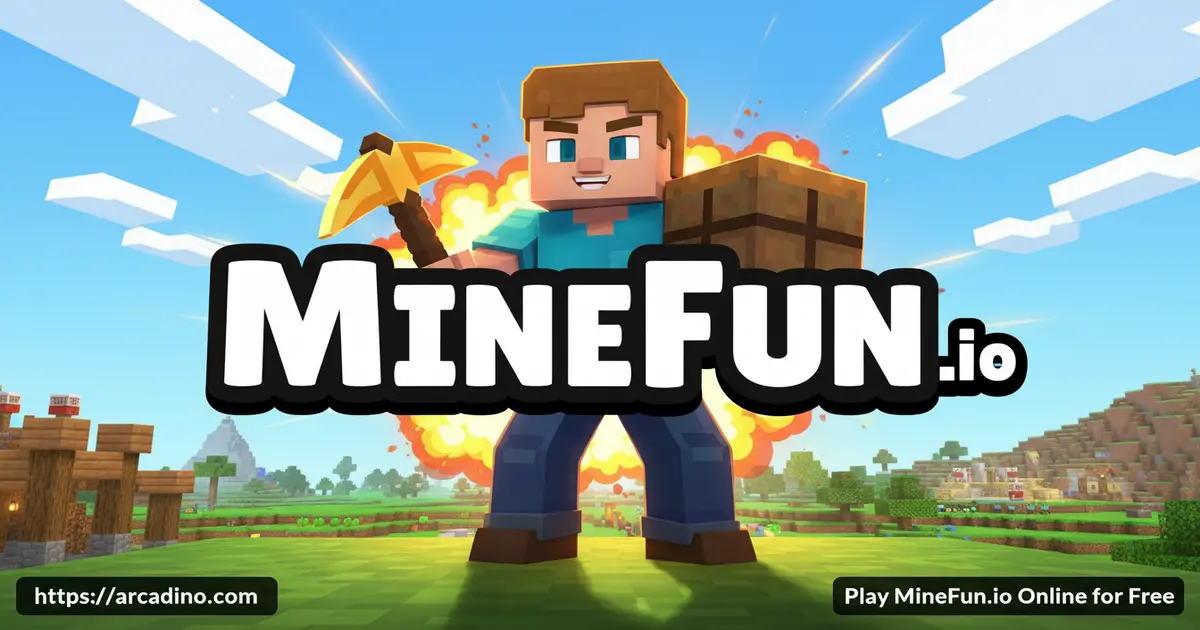
K&S GamesIf you’ve ever wished Minecraft could load in a single browser tab with friends already inside, MineFun.io is exactly that idea. It’s a free online cube game where you hop between Bed Wars, Sky Wars, Parkour, Creative, and a handful of other rooms without installing anything. One click and you’re chopping blocks, sprinting across sky bridges, or hiding as a flowerpot. 🧱
This isn’t a clone that picks one mode and stops. MineFun.io stacks several full game types into one lobby, so you can switch playstyles between matches. That mix is the main reason it keeps showing up on “minecraft io” searches.
- Seven-plus game modes inside one block-based world
- Real-time multiplayer with private rooms via shared room codes
- Coin-earning matches that unlock new skins
- Plays in any modern browser, no download needed
What Is MineFun.io?
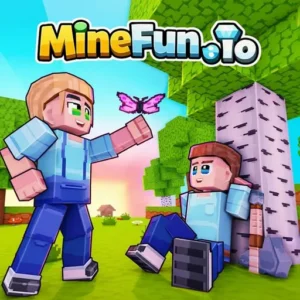
MineFun.io is a browser-based multiplayer sandbox game with a blocky, Minecraft-style look. Instead of a single open world, it splits the action into themed rooms like Parkour, The War, Infection, and Creative. You pick a mode, drop into a match with other players, and swap whenever you want a different vibe.
From my own testing, the page loads quickly on a regular laptop and the cube graphics stay smooth even with several players running around. Mouse aim feels responsive, and switching between mining and shooting doesn’t lag the way bigger sandbox clones sometimes do. That snappy feel is a big part of what makes mine fun io worth a tab.
MineFun.io Gameplay
The core loop is simple: choose a room, complete the room’s goal, earn coins, repeat. In combat modes you fight other players. In Creative you just build. In Parkour you race through obstacle courses called Obby maps.
Because every mode has its own rules, the game never gets stale after one session. You can warm up with Hide and Seek, sweat through a Sky Wars round, then cool down by building a castle. That variety is rare for a free cube io title.
Game Modes Inside MineFun.io
This is where MineFun.io really stands out from the usual minecraft io clones. Each room plays like its own mini-game with its own goal.
- Bed Wars – Defend your team’s bed while smashing the enemy’s. Lose your bed and you can’t respawn, so defenses matter.
- Sky Wars – Battle on floating islands, build bridges, and try not to fall into the void.
- Parkour – Time your jumps across moving platforms and tricky gaps to hit the finish line.
- Creative – Unlimited blocks, no timer, no enemies. Build anything you can picture.
- Hide and Seek – Disguise as objects in the map or hunt the players who are hiding.
- The War – Free-for-all PvP. Grab weapons, fight, and unlock more guns as you win.
- Infection – Survive as a human or spread the zombie infection to everyone else.
- One Block – Break a single block, gather resources, and expand into new biomes.
Graphics and Style
The visuals are clean blocky 3D, the same family of look as classic sandbox games. Colors are bright, animations are smooth, and there’s no heavy shading slowing things down. It’s the kind of art style that runs well on Chromebooks and older school laptops.
Motion effects on weapons and tools add a little punch without going over the top. You can tell builds and battles apart at a glance, which helps in chaotic Bed Wars matches.
Customization and Coins
Winning matches earns coins that you can spend on character skins in the in-game shop. There’s a solid collection of looks to chase, so cosmetic grinders have a reason to keep playing. Skins are visual only, so nobody gets a power advantage from spending more time.
Best MineFun.io Mode for Your Playstyle
Not sure which room to pick first? It really depends on the kind of player you are. If you love quick action and aiming, jump straight into The War for fast gun fights. If you prefer teamwork and strategy, Bed Wars rewards smart defense and clean pushes. Builders should head to Creative, where the blank canvas is the whole point. Speedrunners and platformer fans will feel right at home in Parkour, timing every leap. Sneaky players who enjoy mind games tend to fall in love with Hide and Seek right away. Trying one mode from each style during your first hour helps you find your favorite faster.
How to Play MineFun.io
Getting started takes about ten seconds. Open the game, pick a username, and choose a room from the lobby. You can join a public match or create a private one and share the room code with a friend.
If you’re new, Creative is the friendliest starting point. There’s no pressure, no enemies, and you can practice movement and block placement before jumping into PvP rooms.
MineFun.io Controls
- WASD or Arrow Keys – Move
- Mouse – Look, aim, break or place blocks
- Space – Jump
- Shift – Run
- C – Crouch
On phones and tablets, on-screen buttons replace the keyboard. The layout works for casual matches, though Parkour and Sky Wars feel sharper with a real keyboard and mouse.
Tips and Tricks for MineFun.io
- In Bed Wars, wall your bed in with multiple block layers before you push the enemy base. A naked bed loses fast.
- For Sky Wars, grab the center island chest only if you have blocks to retreat with. Falling into the void is the top cause of early outs.
- In Parkour, hold Shift to run before long jumps. Sprint distance is much bigger than a standing jump.
- In Hide and Seek, pick spots where similar objects already exist. A lone barrel in an empty room screams “I’m a player.”
- In The War and Infection, use crouch (C) to peek around corners without exposing your full hitbox.
Common Beginner Mistakes to Avoid
New players tend to lose matches the same way over and over. The biggest one is rushing the enemy bed in Bed Wars before building any defenses around your own. Another classic mistake is sprinting off the edge in Sky Wars without holding extra blocks in your hotbar. In Parkour, lots of beginners forget that Shift sprint adds distance, so they fall short on long jumps. Hide and Seek players often pick the first hiding spot they see, which is also the first spot seekers check. In The War, standing still to aim makes you an easy target, so keep moving while you shoot. Fixing these small habits can double your win rate fast.
Key Features of MineFun.io
- Multiple connected game modes inside one lobby
- Private rooms with shareable codes for friend-only matches
- Coin system that unlocks character skins
- Real-time multiplayer with players from around the world
- Cross-device play between desktop and mobile browsers
Where to Play MineFun.io
The fastest way to play MineFun.io is right in your browser. It runs in Chrome, Firefox, Edge, and Safari with no installs, no sign-up, and no plugins. Phones and tablets work too, since the game scales to touch controls.
You’ll also see MineFun.io on portals like Poki, which is why a lot of players find it through searches like “poki minefun io” or “poki minecraft.” If you’d rather have it as an app, there’s an Android version on the Google Play Store. Stick to the official store link rather than random APK sites, since unofficial files can carry malware.
For Parents
MineFun.io is generally fine for ages 8 and up. The combat modes use blocky, cartoon-style weapons with no blood, similar to Minecraft. The Creative and Parkour rooms are completely non-violent and great for younger players.
Because it’s multiplayer, kids may run into other players in shared lobbies. Private rooms with room codes are a safer option for friend groups. Short sessions of 20-30 minutes work well, since matches are quick and there’s a natural stopping point between rooms.
Performance and Device Tips
MineFun.io is built to run on light hardware, but a few quick tweaks can make it even smoother. Close extra browser tabs before joining a Bed Wars match, since each open tab eats memory. Chromebooks tend to run best in Chrome with hardware acceleration turned on in settings. If frames drop on a phone, try a fresh browser like Chrome or Safari instead of an in-app browser. A wired or 5GHz Wi-Fi connection cuts down on rubber-banding during fast PvP rounds. Plugging in a USB mouse on a laptop also makes Sky Wars bridging way more accurate. Small upgrades like these turn a choppy session into a clean, fair match.
Similar Games to MineFun.io
If the blocky-multiplayer combo grabbed you, these titles travel in the same lane.
- Bloxd.io – Another browser-based blocky multiplayer game with parkour and survival modes.
- Eaglercraft – A browser port that brings classic Minecraft-style play online.
- Paper Minecraft – A 2D take on the same crafting and survival ideas.
- 2v2.io – A team-based io battler if you liked the PvP rooms here.
Browse more in IO Games.
FAQs About MineFun.io
Is MineFun.io free to play?
Yes, MineFun.io is completely free to play in your browser. There’s no purchase, subscription, or sign-up needed to jump into a match. Coins for skins are earned by playing, not by paying.
Who created MineFun.io?
MineFun.io was created by Vectaria, the same studio behind Cryzen.io and Vectaria.io. Their games tend to focus on blocky multiplayer worlds with multiple modes inside one lobby.
Can I play MineFun.io with friends?
Yes, MineFun.io supports multiplayer with friends through private rooms. One player creates a room and shares the code, and friends type that code to join the same match. It works across desktop and mobile.
How do I run in MineFun.io?
Hold the Shift key while moving with WASD to run. Sprinting is important for Parkour jumps and for chasing or escaping in PvP modes. On mobile, the run button sits on the touch control overlay.
How do I place blocks in MineFun.io?
Use the right mouse button to place blocks where you’re aiming. Left-click breaks blocks, and your hotbar at the bottom of the screen shows the block type you’re holding. Creative mode gives you unlimited blocks to practice with.
How do you get money in MineFun.io?
You earn coins by winning matches and completing objectives in PvP modes. The War, Bed Wars, and Sky Wars all reward coins for kills and victories. Spend those coins in the shop on character skins.
Can I play MineFun.io on mobile?
Yes, MineFun.io works on phones and tablets through a mobile browser. There’s also an Android app on Google Play. Touch controls replace the keyboard, with on-screen buttons for jumping, running, and aiming.
Do I need to download anything to play MineFun.io?
No download is required to play MineFun.io in a browser. The game loads directly on the page and starts within seconds. The Android app is optional for players who prefer a dedicated icon on their phone.
Final Thoughts on MineFun.io
MineFun.io packs a lot into one tab: a real Bed Wars match, a real Sky Wars match, a real Parkour course, and a calm Creative sandbox when you need a break. The coin-and-skin loop gives long-term players something to chase, and private rooms make it easy to drag friends in. For a free cube io game, that’s a stacked feature list.
Pick a room, grab a pickaxe, and see which mode hooks you first – my bet is Sky Wars, but Hide and Seek has a way of stealing whole afternoons.
Gameplay Video