





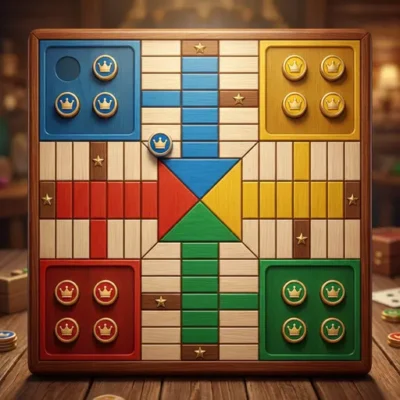

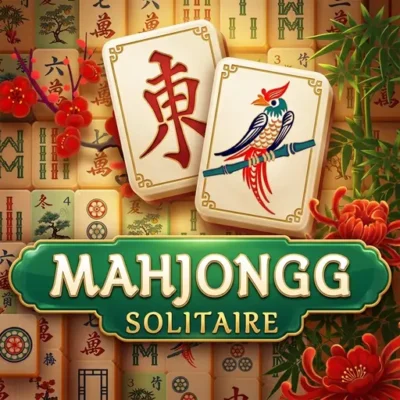


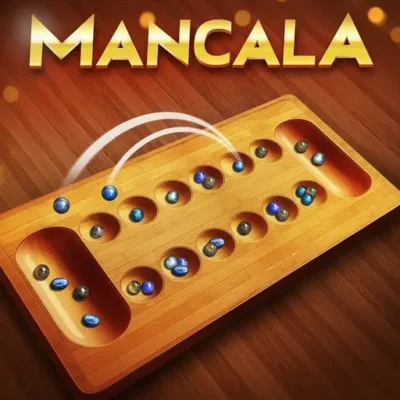


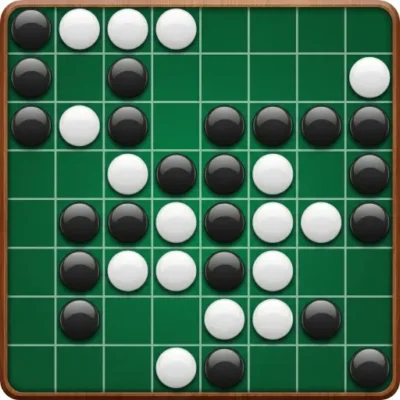
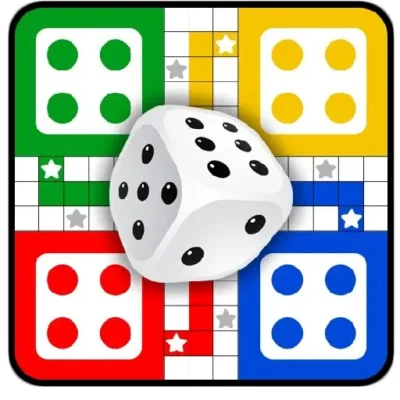

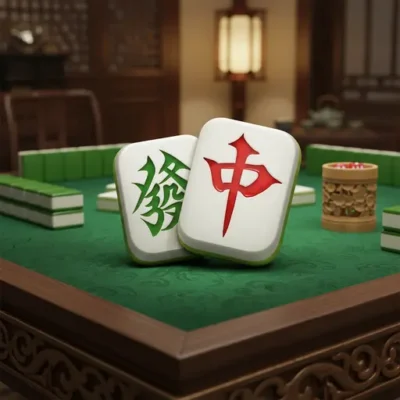
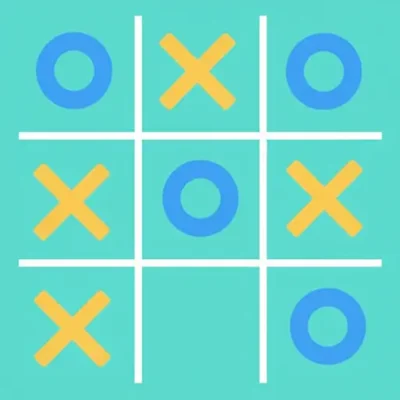
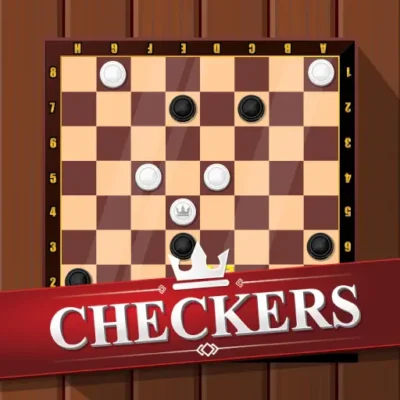
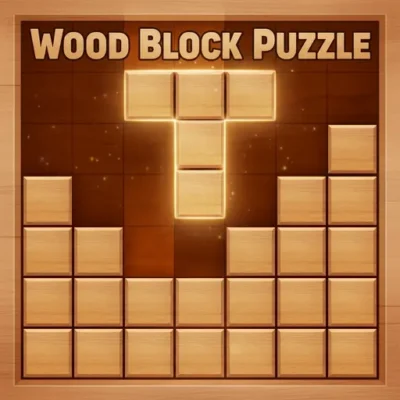
Some games never get old, and that’s exactly what you’ll find here. Our board games collection brings the classics your grandparents played to your laptop, tablet, or school Chromebook. Think wooden checkerboards, marble mancala pits, and the satisfying click of a chess piece. Every title loads in the browser, so there’s no app store, no download, and no waiting. Whether you’ve got five minutes before dinner or a rainy Saturday afternoon, these are the games families have argued over, laughed about, and rematched for generations.
Why Play Board Games on Arcadino?
Tabletop classics work in your browser because the rules are already in your head. You probably learned Tic Tac Toe before you could read, and Checkers isn’t far behind. What makes them fun online is the speed: no setting up the board, no hunting for the missing red token. You jump straight into the thinking part. Younger players can practice against the computer at easy levels, then graduate to chess or Backgammon when they’re ready for deeper strategy. Parents often tell us this category becomes the family’s go-to for screen time that builds real skills like pattern recognition, counting, and planning ahead. For more ideas in that vein, our brain games for kids guide pairs nicely with this collection.
No Setup, No Lost Pieces, No Missing Dice
The biggest win of playing online is what’s missing. There’s no half-hour reset between rounds, no cat batting the last pawn under the couch, and no sibling arguing the rules. The board appears, the pieces are all there, and the computer keeps score. If someone gets called to dinner mid-game, you just close the tab. Open it later and start a fresh round in seconds. That’s the kind of low-friction play that fits real family life better than a 60-minute setup-heavy box game.
Perfect for Chromebooks and Short School Breaks
Every game in this category runs on school Chromebooks, library computers, and family tablets without installing anything. That makes them a quiet favorite for indoor recess, study hall downtime, and the five-minute gaps between homework subjects. A round of Connect 4 or Tic Tac Toe finishes before a timer beeps. Touch controls work the same as a mouse, so younger kids who can’t type well can still play. Nothing requires reading long instructions, which helps the younger end of the 8–13 range jump in solo.
Play Chess and Checkers Against the Computer Anytime
One thing a physical board can’t offer: a worthy opponent at 3am or during a solo lunch break. Our computer players give you a steady match whether everyone else is busy or asleep. Beginners can start at easy levels and dial the difficulty up as they improve. That makes single-player checkers, Reversi, and Mancala excellent practice tools — you build skill on your own, then surprise a parent or friend later. It’s the same reason chess apps became popular, just without the download.
What to Expect
- Classic two-player duels like chess, checkers, and Reversi against a smart computer opponent.
- Race-to-the-finish dice games such as Ludo and Backgammon for lighter, luck-friendly play.
- Pattern and counting games like Mancala that reward planning a few moves ahead.
- Solo focus games including Sudoku, Woodoku, and Wood Block Puzzle — technically puzzles, but they live happily next to board games in the puzzle category too.
- Tile-matching favorites like Mahjong that mix memory with quick eyes.
- Quick three-in-a-row showdowns perfect for short breaks between homework subjects.
Top Picks in Board Games
If you’re new here, start with Connect 4 — it’s the fastest way to learn how thinking ahead pays off. Ludo is the loud, lively pick for siblings who love a comeback, while Chinese Checkers rewards patient jumpers who can spot a long chain across the star. Checkers and Backgammon are the gateway strategy games once kids outgrow Connect 4. For brain-stretching nights, Mancala and Reversi teach the kind of board awareness that carries straight into chess. And when players want quiet focus rather than a duel, Sudoku, Woodoku, and Mahjong are always one click away.
If You Liked This, Try That
Half the fun of a games library is knowing what to play next. If your kid loves Connect 4, point them toward Reversi — same flip-the-board satisfaction, deeper choices. Ludo fans usually take to Backgammon, which keeps the dice-rolling thrill but adds real strategy. Tic Tac Toe graduates often enjoy Checkers as the next step up. Mancala players tend to click with Chinese Checkers because both reward chain-of-moves thinking. And anyone hooked on Sudoku should try Woodoku next, then Wood Block Puzzle.
Safe for Kids, Reassuring for Parents
This category was built with the kid-and-parent combo in mind. There are no sign-ups, no chat windows, no in-app purchases, and no ads pointing to inappropriate sites. We don’t collect personal data from players, and nothing on the page asks a child for their name, email, or age. Parents can hand over the tablet and walk away. That’s a level of trust most general gaming sites can’t offer, and it’s why teachers and grandparents share Arcadino too.
Frequently Asked Questions
Are these free online board games safe for kids?
Yes. Every game runs right in the browser with no sign-ups, no chat, and no purchases needed. Parents can leave kids to play without worrying about pop-ups or strangers.
Can I play chess online or checkers online against the computer?
Absolutely. Our classic board games include built-in opponents at different skill levels, so beginners and experienced players both get a fair match.
What’s the best board game for younger kids?
Connect 4, Tic Tac Toe, and Ludo are the easiest entry points. Rules take under a minute to learn, and rounds stay short enough for wiggly attention spans.
Do browser board games work on tablets and Chromebooks?
They do. Everything is touch-friendly and runs on any modern browser, so school devices and family tablets both work fine.
What are the most famous board games of all time?
Chess, Checkers, Backgammon, Mancala, and Mahjong all have centuries of history behind them. Connect 4, Ludo, and Tic Tac Toe are the modern household names that almost every kid learns early.
What’s the best 2-player board game online?
For pure head-to-head fun, Reversi and Checkers are hard to beat. Both finish in under fifteen minutes and reward steady improvement.
Are board games actually educational?
Yes, and the research backs it up. Strategy games build planning and pattern recognition, dice games teach probability and counting, and tile games sharpen memory and focus.
What age are these board games good for?
Most titles suit ages 6 and up, with sweet-spot appeal for the 8–13 range. Younger kids can start with Tic Tac Toe and Connect 4, while older players will get pulled into Backgammon, Reversi, and Mancala.
Ready to make your move? Browse the full lineup above, or wander over to our card games, strategy games, and puzzle games sections for more thinking-cap fun.
