



















Watch one short ad and play ad-free for 30 minutes.
3D Pong
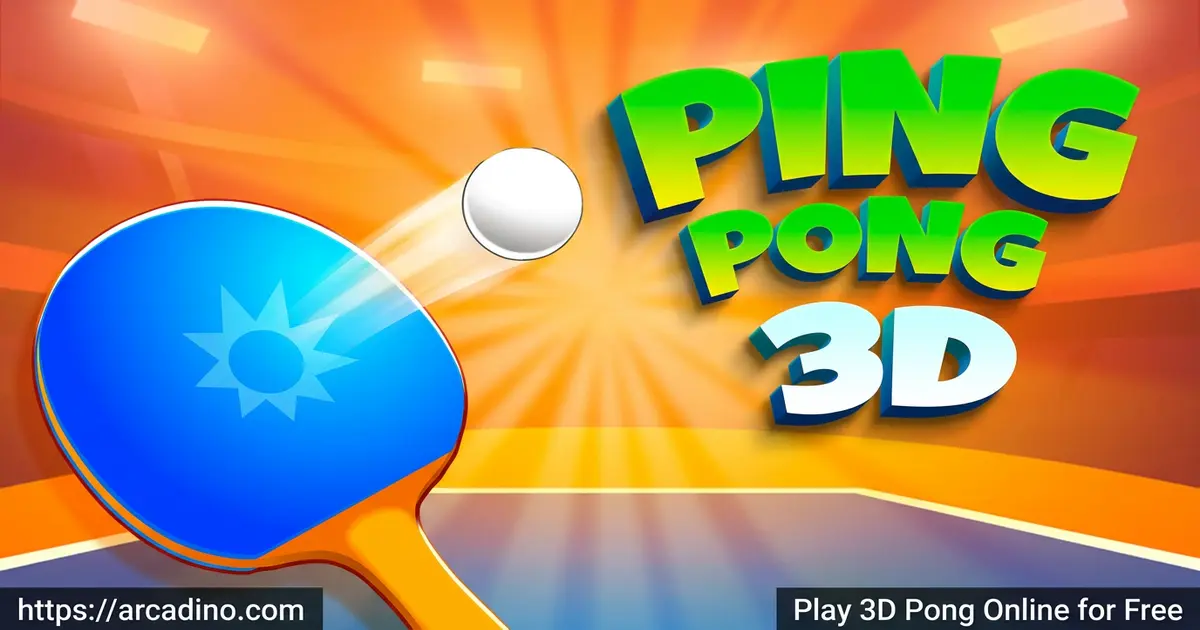
New Breed SoftwareImagine classic Pong, but trapped inside a glowing 3D cube where the ball curves and zips past you. That’s 3D Pong, a fast arcade game you can play free online right now. You and your rival each control a paddle inside a cubical room, a bit like squash. The big trick? You can add spin to your shots and watch the ball bend off the walls. 🏓
- Free to play in any browser – no download required
- Add spin to your shots to fool your opponent
- Beat tougher rivals as you climb each level
- Simple mouse control that anyone can pick up
What Is 3D Pong?
3D Pong is an arcade ball game that takes the old-school Pong rules into a full 3D room. Two paddles sit inside a cube, and you smack the ball toward your opponent’s back wall. Miss the ball, and you lose a point. It plays a little like squash, but with that classic Pong feel.
You might know this style of game as Curveball – lots of players search for that name. They’re the same idea: a 3D spin on table-style ball games. When I tested 3D Pong in the browser, it loaded fast and the paddle tracked my mouse smoothly. That instant response really matters when the ball starts flying.
The History Behind 3D Pong and Curveball
This game has roots that go way back. The original Pong hit arcades in 1972 as a flat, two-paddle ball game. Players moved a bar up and down to bounce a dot across a 2D screen. Decades later, a Flash game called Curveball took off in the early 2000s. It pulled that flat idea into a 3D cube court and added spin you could load onto the ball. That’s why so many kids still type “Curveball” into search today, even when they mean a modern version like this one. 3D Pong is the HTML5 update, so it runs in your browser with no plugins. The cube court was the big leap forward, turning a simple table into a room where angles and depth really matter.
3D Pong Gameplay
The core loop in 3D Pong is simple but sneaky. You move your paddle, hit the ball, and try to send it past your rival’s paddle. The ball bounces off the four cube walls, so angles matter a lot. One clean shot down the side can catch your opponent off guard.
What keeps you hooked is the spin mechanic. Move your paddle just before you strike the ball to bend its path. But watch out – the ball comes back at you with spin too. Reading those curves is the whole challenge, and it gets harder fast.
Levels and Progression in 3D Pong
This game throws a tournament at you, level by level. Each new opponent plays smarter and hits the ball quicker than the last. You need to score 3 points to win a single match against a rival. Win that match, and you move on to face the next opponent. There are 10 opponents to beat in all, so you must climb the whole ladder to become champion. The pace climbs steadily, so you’re always pushed a little further.
You don’t get unlimited chances, though. You carry just 5 lives across the entire tournament run. Lose all five, and it’s back to the very start. That pressure makes every single point feel important.
Graphics and Audio in 3D Pong
The cube court gives 3D Pong a clean, modern look. You can clearly see the ball’s path as it bends and bounces off the walls. The 3D depth helps you judge how far away the ball is, which is key for timing your hits.
Visuals stay simple on purpose, so nothing distracts you from the action. That focus keeps the game running smoothly even on older laptops. It’s an arcade title built around feel, not flashy effects.
How to Play 3D Pong
Getting started takes seconds. Click on the ball to launch the rally, then move your mouse to slide your paddle around. Your job is to hit the ball down the court and past your opponent’s paddle. Score 3 points to win the match and advance.
The secret weapon is spin. Swipe your paddle sideways right before contact to curve the ball. Used well, it changes how the ball ricochets off the walls and throws your rival off.
3D Pong Controls
Move your mouse to control the paddle on desktop. On a phone or tablet, drag your finger across the screen to slide the paddle and hit the ball. There are no buttons to memorize – it’s all about smooth movement and good timing. You just click once to launch each rally, then everything else is paddle movement.
Browser and Device Compatibility
3D Pong runs right in your web browser, so there’s nothing to install. It works smoothly in Chrome, Firefox, Safari, and Edge. The graphics stay simple, so even an older laptop can run it without lag. On phones and tablets, you just drag your finger to move the paddle. The page loads in a few seconds on most connections. Because it’s built in HTML5, you don’t need any old Flash plugin to play. That means kids can jump in on almost any school or home device.
Tips and Tricks for 3D Pong
- Predict where the ball will be, not where it is – anticipation beats reaction speed.
- Flick your paddle just before contact to load extra spin onto your shot.
- Aim for the side walls so the ball bends away from your opponent’s reach.
- Watch the incoming spin carefully, because the ball curves back at you too.
- Save your lives – play patient early rounds before opponents speed up.
Key Features of 3D Pong
- A 3D cube court that adds real depth to classic Pong
- Spin mechanic that lets you curve and bend the ball
- A tournament with 10 opponents to beat on your way to champion
- Score 3 points to win each match, with just 5 lives for the whole run
- Simple mouse and touch controls that anyone can learn fast
Where to Play 3D Pong
You can play 3D Pong free in your browser right here, with no download and no sign-up. It runs in Chrome, Firefox, Safari, and Edge, on desktop or mobile. The page loads quickly, so you can jump into a rally within seconds.
There are also mobile versions of this ping pong style game on app stores. Grab it on Google Play or the App Store if you prefer to play offline. Stick to official stores rather than random APK sites to stay safe.
For Parents
3D Pong is a safe, simple arcade game great for kids around 8 and up. There’s no violence and no chat with strangers in the browser version. The spin and angle gameplay quietly teaches hand-eye coordination and how objects bounce off surfaces at different angles.
Sessions are short, so it’s easy to set a play timer. The browser version asks for no personal info to start, and there are no in-app purchases to worry about. Because there’s no chat feature, your child won’t talk to strangers while playing. If your child plays a mobile app version, just check that store listing for any in-app purchases first. The prediction and timing skills carry over nicely to other sports and games too.
Similar Games to 3D Pong
If you love the spin and reflex challenge of this cube-court game, these picks scratch the same itch.
- Curve Ball 3D – basically the same 3D spinning ball idea, with a champion tournament to climb.
- Retro Ping Pong – the same wall-prediction challenge in a classic 2D style.
- Retro Space Blaster – a fast reaction game that demands sharp coordination.
- Spinball – a spinning ball game where smart angles and timing decide every point.
- Pong: the Next Level – a fresh twist on the classic Pong formula with new challenges.
Want more quick reflex fun? Browse the full Arcade collection.
FAQs About 3D Pong
Is 3D Pong free to play?
Yes, 3D Pong is completely free in your browser. There’s no download and no sign-up needed. Just open the page and click the ball to start a rally.
Is 3D Pong the same as Curveball?
They’re very similar games with the same 3D spinning ball idea. Many players search for “Curveball” or “Curve Ball 3D” when they mean this style. Both put you in a 3D court where you bend the ball past a rival.
How do you put spin on the ball in 3D Pong?
Move your paddle sideways just before you hit the ball. That motion adds spin and curves the ball’s path. Be ready, because it bends back toward you too.
How many points do you need to win a match?
You need to score 3 points to win a single match. Beat that rival, and you move on to the next one. There are 10 opponents to beat before you’re champion.
What are good strategies for 3D Pong?
Predict where the ball is heading instead of chasing it. Anticipation beats raw reaction speed here. Add spin to your shots to confuse your opponent and earn the edge.
Can I play 3D Pong on mobile?
Yes, 3D Pong works on phones and tablets. Drag your finger across the screen to move your paddle. App versions are also available on the Google Play and App Store.
What do you learn from playing 3D Pong?
You learn how objects bounce off walls at different angles. The game rewards smart prediction, not just fast clicking. It quietly builds timing and hand-eye coordination.
Why does the ball keep curving in 3D Pong?
The ball curves because of spin from paddle movement. Both you and the AI can add spin on each shot. Reading those curves is the main challenge of the game.
Conclusion
3D Pong takes a classic and gives it depth, spin, and real pressure. The bending ball, the cube court, and the climbing tournament make every rally feel different. It’s easy to start but genuinely tricky to master.
Ready to bend a few shots and chase the championship? Click the ball, load up some spin, and see how many rivals you can beat. 🏆
Gameplay Video