


























Watch one short ad and play ad-free for 30 minutes.
Eagle Craft
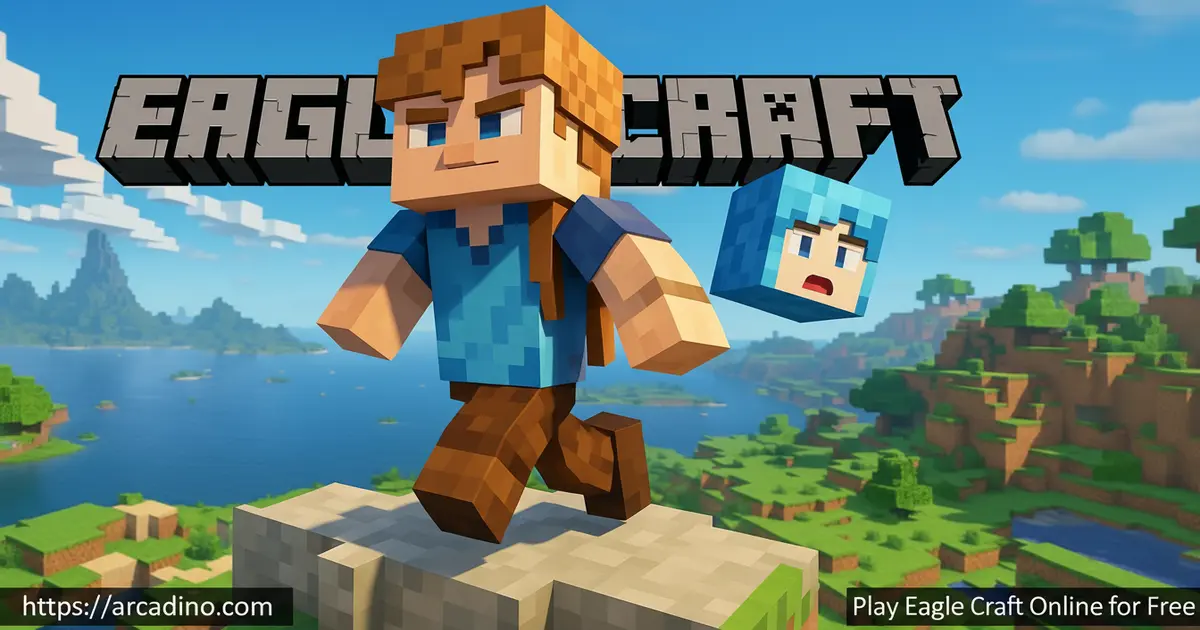
EagleCraft TeamIf you’ve ever wished you could jump into a blocky sandbox world during a quick break, Eagle Craft is built for exactly that. It’s a free browser-based voxel game inspired by classic Minecraft 1.8, and it loads right inside your tab. You can mine, craft, build castles, fight mobs, and even hop onto multiplayer servers without installing anything. Eagle Craft (sometimes searched as Eaglercraft or Eaglecraft) brings back the simple, nostalgic feel of older Minecraft with snappy browser performance. 🪓
- Free voxel sandbox playable instantly in any modern browser
- Survival and Creative modes with mobs, crafting, and building
- Multiplayer servers for PvP, co-op, and mini-games
- Works on Chromebooks, phones, tablets, and school computers
What Is Eagle Craft?
Eagle Craft is a browser-based voxel adventure that recreates the classic Minecraft 1.8 experience inside your web browser. Instead of downloading a launcher, you just open the page and the world generates inside your tab. You’ll recognize the blocky trees, the pixel-art textures, and the familiar crafting grid right away. The whole point is nostalgia plus convenience – old-school Minecraft you can fire up anywhere.
What surprised me most was how smooth the controls feel for a game running entirely in a tab. Movement is responsive, block-breaking registers instantly, and chunk loading keeps up as you sprint across biomes. It’s not the polished modern Minecraft, but that’s the charm. Eagle Craft feels like the version many players grew up loving.
How Eagle Craft Actually Runs in Your Browser
Here’s a cool fact most players don’t know: Eagle Craft isn’t a from-scratch JavaScript rewrite. It’s actually the original Java code from Minecraft 1.8, compiled ahead-of-time into JavaScript using a tool called TeaVM. To handle the 3D graphics, it runs an OpenGL emulator on top of your browser’s WebGL. That’s why the gameplay feels so close to the real thing – because under the hood, it pretty much is the real thing. This clever trick is why Eagle Craft can deliver full survival, mobs, and redstone in a tab. It also explains why performance stays solid even on Chromebooks and older laptops.
Eagle Craft Gameplay
The core loop will feel instantly familiar: punch trees, gather wood, craft tools, mine stone, and dig deeper for iron and diamonds. Day turns to night, and that’s when zombies, skeletons, and creepers start hunting you down. You’ll need a shelter, a sword, and a plan before the sun drops. Hunger ticks down too, so farming and cooking become important fast.
Beyond surviving, you can build absolutely anything you can imagine block by block. Some players grind for diamond armor, others spend hours designing redstone contraptions or pixel-art murals. The Nether dimension adds lava-filled danger and rare loot for braver explorers. Every session in this voxel sandbox plays out differently because you decide the goals.
Survival, Creative, and Multiplayer Modes
Survival mode is the classic challenge – manage health, hunger, and hostile mobs while gathering resources. Creative mode hands you unlimited blocks and the ability to fly, so you can focus purely on building. Both modes share the same crafting recipes and world generation, just with different rules. Switching between them is a great way to test ideas before committing to a survival run.
Multiplayer is where Eagle Craft really comes alive. You can join community servers to team up with friends, fight in 1.8-style PvP arenas, or play casual mini-games like parkour and bed wars. The classic 1.8 combat – with its timed swings instead of cooldowns – is a big reason many players prefer this version. It rewards precision and movement over button mashing.
Building and Exploration in Eagle Craft
Worlds in Eagle Craft are huge and procedurally generated, so no two maps look the same. You’ll wander through forests, deserts, snowy peaks, and ocean coastlines, finding caves and ravines tucked into the landscape. Mushroom biomes show up occasionally for players who want a weirder, peaceful spot to settle. Exploration always pays off because rare resources hide in the most random corners.
Building is the heart of the game for many fans. Stack blocks to make a quick dirt hut, or spend days crafting a stone castle with towers and a moat. Redstone lets you wire up doors, traps, and simple machines once you’ve gathered enough materials. The blocky aesthetic keeps things approachable – if you can place a cube, you can build something cool.
How to Play Eagle Craft
Getting started is easy: open Eagle Craft in your browser, create a new world, and pick survival or creative. The first thing most players do is punch a tree to collect wood, then craft a workbench and basic tools. From there, you build a shelter before night, gather food, and slowly upgrade your gear. Once you’re settled, you can branch out into mining, exploring, or hopping on a multiplayer server.
Eagle Craft Controls
- Move: W, A, S, D
- Jump: Spacebar
- Look around: Mouse movement
- Break blocks / Attack: Left mouse button
- Place blocks / Use item: Right mouse button
- Open inventory: E
- Sprint: Double-tap W or hold Ctrl
A Beginner’s First Hour: A Step-by-Step Plan
The first hour in Eagle Craft can feel overwhelming, so here’s a clear plan to follow. Start by punching trees until you have at least 10 wood blocks in your inventory. Turn 4 of those into planks, build a crafting table, then make a wooden pickaxe, sword, and a few sticks. Use the pickaxe to mine 8 cobblestone, and upgrade to stone tools right away – they last way longer. Hunt a couple of cows or pigs for food and leather before the sky starts to dim. Finally, dig a small 3×3 shelter into a hillside, place a door, and wait out the first night safely. Stick to this opening and you’ll never lose your starter gear to a creeper again.
Best Eagle Craft Servers Worth Trying
Once you’re comfortable with single-player, multiplayer servers add a whole new layer of fun. Most Eagle Craft servers run classic 1.8 game modes you’ll recognize from Minecraft history. Bed Wars servers task teams with protecting their bed while raiding others – fast, chaotic, and great for short sessions. SkyBlock servers drop you on a tiny floating island where you have to expand using only the resources you can scrape together. Survival Games servers are basically Hunger Games with blocks: 24 players, one map, last one standing wins. Always check a server’s rules before joining, and never share personal info in public chat. Playing with friends on a private whitelisted server is the safest and most fun option.
Tips and Tricks for Eagle Craft
- Build shelter before night one: Even a tiny dirt box keeps zombies and creepers off you until sunrise.
- Don’t waste early wood: Save enough for a crafting table, sticks, a pickaxe, and a sword before building anything fancy.
- Master 1.8 PvP timing: Swing your sword on rhythm, strafe sideways, and land critical hits by attacking mid-jump.
- Carry torches everywhere: Lighting up caves stops mobs from spawning and keeps you from getting lost underground.
- Prep before the Nether: Bring iron armor, plenty of food, a flint and steel, and never dig straight down near lava.
Key Features of Eagle Craft
- Faithful recreation of the classic 1.8 voxel sandbox experience
- Survival and Creative modes with full crafting and building systems
- Multiplayer support for PvP servers and community mini-games
- Works on Chromebooks, phones, and low-spec laptops
- No installation, no account, just instant play in the browser
Where to Play Eagle Craft
Eagle Craft runs entirely in your browser, so any modern Chrome, Firefox, Safari, or Edge window will load it. There’s no download, no launcher, and no sign-up required to start a world. That’s why it’s huge with Chromebook users – many people search for it as “Eaglercraft unblocked” or “Minecraft unblocked” because it works on school computers where installing real Minecraft isn’t allowed. The browser version also runs on phones and tablets, though a keyboard and mouse give you the best control.
If you’d rather play on PC, you can stick to the browser tab – performance is usually solid even on older machines. Be careful with random APK or download sites claiming to offer offline versions, since those can include unsafe files. Sticking to trusted browser play is the safest way to enjoy this voxel sandbox.
Eagle Craft for Parents
Eagle Craft uses the same cartoonish blocky combat you’d find in regular Minecraft, which is rated E10+ by the ESRB and PEGI 7 in Europe for fantasy violence. That makes it a reasonable fit for most kids who already enjoy Minecraft, though every family’s comfort level is different. There’s no real-money store, no microtransactions, and no forced account sign-up on the browser version. Public multiplayer servers can include open chat, so younger kids should stick to single-player or play with friends on private servers. A 30-45 minute session is plenty – the game encourages creativity, planning, and problem-solving, which are nice bonuses on top of the fun.
Similar Games to Eagle Craft
If you love the blocky building and survival vibe of Eagle Craft, these browser games hit similar notes:
- Minecraft Classic – The original 2009 version playable free in the browser, focused purely on creative building.
- Paper Minecraft – A 2D take on Minecraft with crafting, mobs, and exploration.
- Mine Blocks – Another 2D sandbox with deep crafting trees and adventure mode.
- Casual Games – More relaxing browser picks for short play sessions.
FAQs About Eagle Craft
What is Eagle Craft?
Eagle Craft is a free browser-based voxel game inspired by Minecraft 1.8. It uses TeaVM to compile the original Java code into JavaScript so it runs instantly in any web browser without downloading anything. The gameplay covers survival, crafting, building, and multiplayer PvP.
Is Eagle Craft free to play?
Yes, Eagle Craft is completely free in the browser. There are no purchases, subscriptions, or accounts required to start a world. You just load the page and play.
Is Eagle Craft the same as Minecraft?
No, Eagle Craft is a fan-made browser version inspired by Minecraft 1.8. It’s not made by Mojang, but the gameplay, blocks, and crafting recipes are very similar. Think of it as a nostalgic, browser-friendly tribute.
Can I play Eagle Craft on a Chromebook?
Yes, Eagle Craft works great on Chromebooks. Since it runs in the browser, school laptops and other low-spec devices can handle it without trouble. That’s why it’s so popular as an unblocked option.
Does Eagle Craft have multiplayer?
Yes, Eagle Craft supports multiplayer through community-hosted servers. You can team up with friends, build together, or jump into PvP arenas and mini-games. Some servers focus on survival while others run custom modes.
How do I download Eagle Craft?
You don’t need to download Eagle Craft – it runs in the browser. Just open the game page in Chrome, Firefox, or Edge and click play. Avoid sketchy APK sites claiming to offer installers.
What are the controls in Eagle Craft?
Use WASD to move, mouse to look, and spacebar to jump. Left-click breaks blocks and attacks, right-click places blocks, and E opens your inventory. The controls match standard Minecraft almost exactly.
Ready to Build in Eagle Craft?
Eagle Craft packs the classic 1.8 voxel sandbox – survival, creative mode, multiplayer PvP – into a tab you can open anywhere. Whether you’re carving out a mountain base, fighting through the Nether, or just placing colorful blocks for fun, this browser title delivers the nostalgic Minecraft feel without the install. Grab a pickaxe, pick a biome, and see what kind of world you can build before nightfall hits.
