























Watch one short ad and play ad-free for 30 minutes.
Snow Road 3D
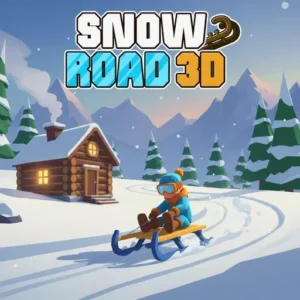
azgames.ioStrap into a sled, point it downhill, and pray your reflexes hold up. Snow Road 3D is a free browser racing game that drops you onto an endless icy mountain packed with trees, boulders, and rolling snowballs. It’s the kind of pick-up-and-play winter ride where one wrong turn ends your run and one good streak puts you near the top of the leaderboard. You’re often confused with Snow Rider, but this is the sled-focused cousin with its own roster of unlockable rides. 🛷
Here’s what makes Snow Road 3D worth a few runs:
- Endless first-person sled racing through snowy mountain terrain
- Collect Christmas gift boxes to unlock new sleds in the shop
- Dodge pine trees, rocks, snowmen, and rolling snowballs
- Speed ramps up the further you travel, testing your reflexes
What Is Snow Road 3D?
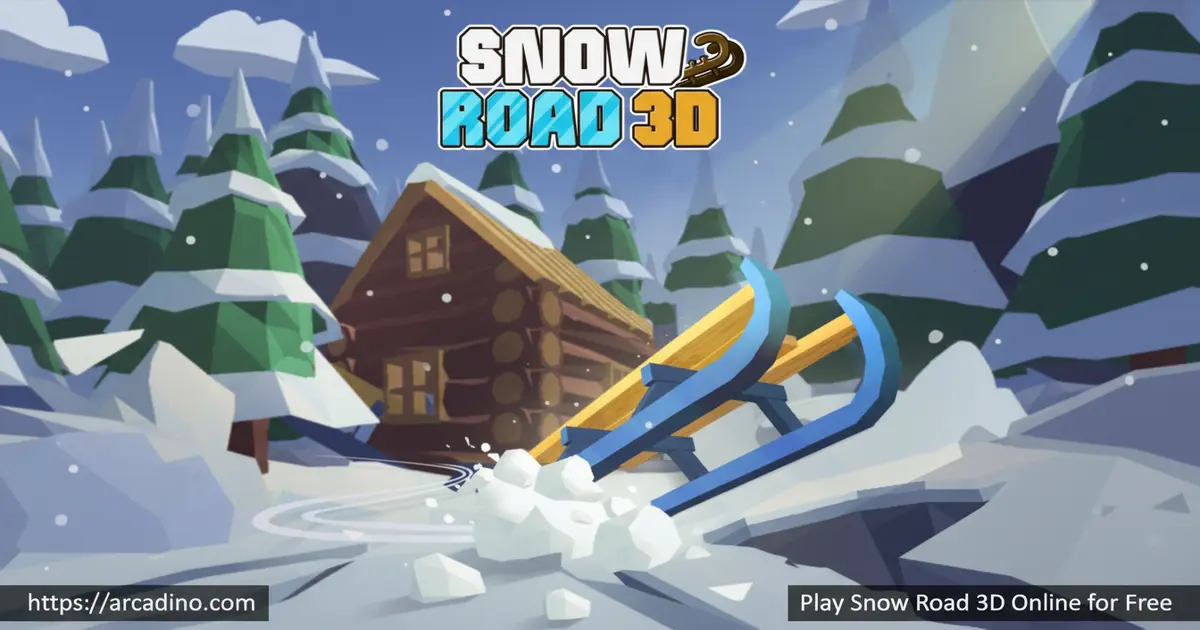
Snow Road 3D is a winter-themed endless racing game where you steer a sled down a never-ending snowy slope. It’s an upgraded 3D version of the original Snow Road, with sharper visuals, more obstacles, and a bigger lineup of sleds. The camera sits in first-person view, so you really feel the wind rushing past the pine trees and wooden cabins.
The game was made by azgames.io and launched in 2024. They’re a well-known studio behind a bunch of free browser games for kids. Knowing the developer helps you trust that the link you’re clicking is the real thing, not a sketchy copy.
Loading it up in Chrome, the game pops in fast and runs smoothly with no stuttering, even on a basic laptop. The controls feel snappy too, which matters when a giant snowball appears with half a second’s warning. That kind of responsiveness is what keeps this sled racer addictive instead of frustrating.
Gameplay in Snow Road 3D
Your job is simple: stay alive, go far, grab gifts. The sled moves on its own, so all your focus goes into steering left and right and timing jumps over deep holes or tree stumps. The slope is rugged and slippery, which is half the fun.
The further you slide, the faster the speed climbs. What starts as a casual glide turns into a white-knuckle reflex test within a minute or two. Hit anything solid and your sled breaks instantly, the run ends, and your score gets logged for the leaderboard.
Sleds and Unlockables
The gift boxes scattered along the track aren’t just for points. Save them up, head to the shop, and you can swap your starter sled for something flashier. The collection includes Toboggan, Plastic, Evil, Round, Chroma, Eskimo, Ancient, Modern, Hill Racing, and the prized Santa sled. That’s 10 total sleds to chase, though some sources list up to 12 with seasonal additions.
Higher-tier sleds cost more gifts, with the Santa sled sitting at the top of the price list. Some players treat the unlock grind as the main goal, ignoring distance scores and just hunting boxes. Either way works.
Snow Road 3D Sled Costs
Here’s roughly what each sled will set you back in gift boxes:
- Toboggan: 50 gifts
- Plastic: 50 gifts
- Evil: 75 gifts
- Round: 90 gifts
- Chroma: 100 gifts
- Eskimo: 120 gifts
- Ancient: 140 gifts
- Modern: 160 gifts
- Hill Racing: 180 gifts
- Santa: 200 gifts
Prices can shift a little with updates, but the order from cheapest to priciest stays the same. Use this as your shopping list when you grind.
Fastest Path to the Santa Sled
The Santa sled is the trophy unlock, and yes, the grind is real. A solid run usually nets you around 8 to 15 gifts, depending on how greedy you are with risky pickups. If you average 10 gifts per run, you’re looking at roughly 20 clean runs just to hit the 200-gift Santa price tag.
To speed it up, focus on safe gift boxes in open lanes during the slow early seconds. Skip anything tucked behind a tree or boulder, since one crash wipes out the gifts from that run. Most players unlock Santa in about 45 minutes to an hour of focused play. If you’re also buying cheaper sleds along the way, double that estimate. Treat each run like a budget mission: grab the easy boxes, survive longer, repeat.
Obstacles and Challenges
The mountain throws a real variety of hazards at you. Pine trees and tree stumps line the sides of the track. Boulders and giant snowmen block the middle lanes. Then there are the moving threats, like rolling snowballs that bowl down the slope toward you.
Deep holes are where the jump button earns its keep. You can’t steer around every gap, so learning when to launch the sled into the air is a core skill in Snow Road 3D. Miss the timing and you’re done.
Snow Road 3D vs Snow Rider 3D: Side-by-Side
Since players mix these two up constantly, here’s a clear breakdown of how they differ:
- Camera view: Snow Road 3D uses first-person, so you feel like you’re on the sled. Snow Rider 3D uses third-person, with the sled visible in front of you.
- Obstacle types: Snow Road 3D mixes static trees and rocks with moving snowballs and snowmen. Snow Rider 3D leans heavier on logs, ramps, and snowmen but skips the rolling boulders.
- Sled roster: Snow Road 3D has around 10 sleds topped by the Santa sled. Snow Rider 3D offers a wider collection of 20+ sleds with goofier designs.
- Difficulty curve: Snow Road 3D ramps speed faster and feels tighter early. Snow Rider 3D starts gentler and rewards long-term endurance.
- Best for: Pick Snow Road 3D for an intense reflex test. Pick Snow Rider 3D for chill collection runs.
How to Play Snow Road 3D
Getting started takes about three seconds. Click the start prompt, the sled begins moving, and you’re racing. There’s no tutorial wall, no sign-up form, no waiting around.
Your first few runs will be short. That’s normal. Use them to feel out the steering and figure out which obstacles you can jump versus which ones you have to swerve around.
Snow Road 3D Controls
- Start: Tap or press the Spacebar
- Steer left or right: Left and Right arrow keys (or A and D)
- Jump: Up arrow key (or W)
- Mobile: Tap the screen to steer and jump
Tips and Tricks for Snow Road 3D
- Aim for 500 meters first. That’s the beginner benchmark. Once you clear 500m regularly, push for 1,000m, then 2,000m as a serious goal.
- Early game (0-30 seconds): Grab every safe gift in your lane. Speed is low, reaction time is high, this is your gift-farming window.
- Late game (after 60 seconds): Stop chasing gifts. Survival is the only goal once speed spikes past comfortable, since one crash wastes the whole run.
- Skip risky gifts. If a gift box sits right behind a boulder, leave it. One crash ends everything, including your gift total.
- Jump only when you have to. The Up arrow is for deep holes and small stumps, not for showing off. Mid-air, you can’t steer as well.
- Watch the horizon, not the sled. Looking far ahead gives you more reaction time as the speed ramps up.
- Grind for the Santa sled. It’s the priciest unlock at 200 gifts but the most fun to ride, so set it as your long-term goal.
- Practice short bursts. Five quick runs teach you more about the obstacle patterns than one long sloppy run.
Key Features of Snow Road 3D
- First-person 3D view with snowy mountains, pine trees, and cabins
- Endless track that gets faster the further you travel
- Multiple sled types to unlock using collected gift boxes
- Moving hazards like rolling snowballs and giant snowmen
- Leaderboard system that records your best distance score
Where to Play Snow Road 3D
The fastest way in is right here in your browser, no downloads or accounts needed. Snow Road 3D runs on Chrome, Firefox, Safari, and Edge, and works on Chromebooks too, which makes it a popular pick for school free time. Because it loads instantly, you can squeeze in a run between classes or homework breaks.
Playing Snow Road 3D on School Chromebooks
Snow Road 3D is one of the more school-friendly picks out there. On a typical Chromebook, the game loads in 3 to 5 seconds over school Wi-Fi and runs at a smooth frame rate even on older devices. Once the page is cached, returning to it later is almost instant, though it does still need a connection to fully start a new run, so true offline play isn’t supported. Most common classroom filters like GoGuardian, Securly, and Lightspeed let it through since it’s a plain HTML5 game with no flagged keywords or downloads. If your school uses a stricter blocker like Smoothwall, the game may get caught under the broader “gaming” category. The fix is usually as simple as playing it during free time on a personal hotspot. No plugins, no installs, no admin password needed, just a browser tab.
Prefer mobile? There are official app versions available for phones and tablets:
Stick to the official stores. Sketchy APK downloads from random sites can carry malware, so avoid them.
For Parents
Snow Road 3D is a clean, safe pick for kids around 8 and up. There’s no chat, no player-versus-player contact, and no graphic content – just a sled, some snow, and obstacles. The gameplay rewards focus and reaction time, which gives it a little brain-training bonus alongside the fun.
The browser version is fully free with no in-app purchases blocking progress. Mobile app versions may include ads, so check before letting younger kids play unsupervised. Short sessions of 15-20 minutes work well since the gameplay is intense and repetitive.
Similar Games to Snow Road 3D
If you love sledding down snowy slopes and dodging stuff, these endless racers hit the same nerve:
- Snow Rider 3D – The most-searched cousin of this game, with a similar sled-down-the-mountain loop and gift collecting.
- Snow Road – The original 2D-style version that started the whole series.
- Slope Rider – Trade snow for a futuristic slope and survive as long as you can.
- Downhill Chill – A more relaxed snowy glide focused on scenery and smooth runs.
- Tunnel Rush 2 – Different setting, same reflex-testing tunnel of obstacles.
- Escape Road – A high-speed chase game where you dodge traffic and cops on endless city streets.
- Jetski Race – Swap snow for water and race a jetski through wavy ocean obstacle courses.
Browse more in Racing Games.
FAQs About Snow Road 3D
Is Snow Road 3D the same as Snow Rider 3D?
No, they’re separate games with very similar themes. Snow Rider 3D is the more famous title with millions of monthly searches, while Snow Road 3D is a related sled racer with its own sled lineup and obstacles. The gameplay loops feel close, so fans of one usually enjoy the other.
How many levels does Snow Road 3D have?
Snow Road 3D has no levels – it’s an endless runner. The track keeps generating as you slide, and the difficulty climbs through faster speed and tighter obstacle patterns instead of stage breaks.
Does Snow Road 3D get harder over time?
Yes, the sled speeds up the further you travel. Early seconds feel slow and friendly, but within a minute you’re racing at a pace that demands sharp reflexes and precise steering.
What is the best sled in Snow Road 3D?
The Santa sled is generally considered the top pick. It looks like Santa’s sleigh and is the most expensive unlock at 200 gift boxes from the shop.
Can I play Snow Road 3D unblocked at school?
Yes, Snow Road 3D works on most school Chromebooks through the browser. It loads without downloads or plugins, so it usually passes through standard classroom filters without trouble.
Is Snow Road 3D free?
Yes, Snow Road 3D is completely free to play online. The browser version has no paywalls, no subscription, and no required sign-up.
What controls does Snow Road 3D use?
You use the arrow keys to steer and jump, plus Spacebar to start. Left and Right move the sled between lanes, Up jumps over holes and stumps, and mobile players just tap the screen.
Final Thoughts on Snow Road 3D
Snow Road 3D nails the simple-but-addictive formula that endless runners live and die by. The first-person sled view, the growing speed, and the hunt for the Santa sled give it just enough hooks to pull you back for another run. Crashes feel fair, controls feel tight, and the snowy scenery is genuinely nice to look at.
Grab the arrow keys, point your sled downhill, and see how many gift boxes you can stack before that first tree ends your streak. The mountain isn’t going anywhere – but your record can always go further.
Gameplay Video