



























Watch one short ad and play ad-free for 30 minutes.
Microsoft Jewel 2
Microsoft Casual GamesReady to make some gems sparkle and disappear? Microsoft Jewel 2 is a free match-3 puzzle game you can play right in your browser. You swap colorful jewels, line up three or more, and watch them vanish in a flash. It’s the sequel to the classic Microsoft Jewel, and it brings even more shiny surprises. 💎
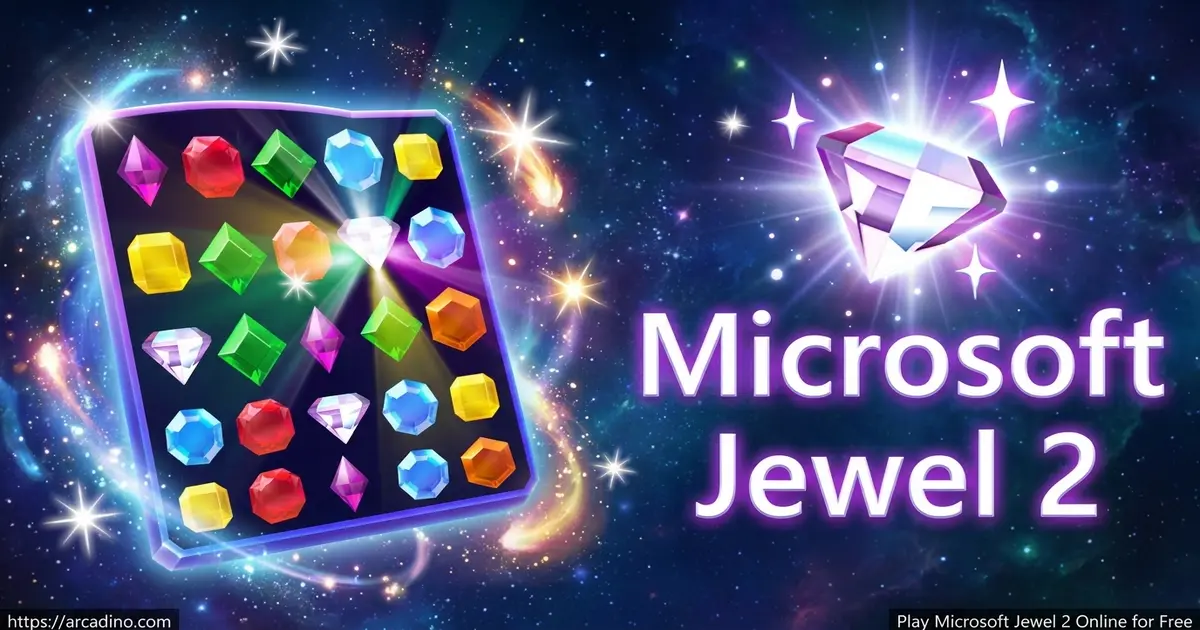
If you’ve ever wondered how to play Microsoft Jewel 2, the rules are simple. Match identical gems, trigger combos, and complete each challenge goal. Special jewels explode and clear big chunks of the board fast.
- Swap and match 3 or more identical gems to clear them
- Build explosive jewels, line-clearing gems, and super gems
- Complete challenge goals to advance through endless levels
- Play free in your browser with simple mouse or touch controls
What Is Microsoft Jewel 2?
Microsoft Jewel 2 is a match-3 puzzle game that revives the classic gem-swapping fun from older PC gaming eras. You match colorful jewels in rows of three or more to score points and clear the board. It’s the follow-up to the original Microsoft Jewel, with brighter gems and new bonus jewels. This casual game suits players of all ages.
When I loaded it up, the gems felt crisp and the swaps responded instantly. There’s no waiting around for downloads or installs. The relaxing background music makes long sessions feel calm instead of stressful. That mix of nostalgia and smooth play is what makes this title shine.
Microsoft Jewel vs Microsoft Jewel 2: What’s Different?
Lots of players mix these two games up, so here’s the quick scoop. The original Microsoft Jewel is the classic gem-swapper that started it all. Microsoft Jewel 2 keeps that same matching fun but adds a clever twist. In the sequel, jewels do not fall down to refill the board after a match. That means the gems stay put, so every single swap really counts. The sequel also leans hard into its bonus-jewel system, with explosive gems, line-clearing gems, and super gems. So while both games share the same heart, Jewel 2 asks you to plan smarter and think a few moves ahead.
Gameplay in Microsoft Jewel 2
The core loop is easy to grab but tricky to master. You scan the board, spot three matching gems, and swap one into place. Matched gems pop and vanish, leaving open spaces behind. Each level gives you a goal to hit before you move on.
Here’s a big thing to remember in this sequel. Jewels do not fall down to refill the board after you clear them. The empty spots stay empty, so you can’t just wait for new gems to drop in. That means every move counts, and you have to plan your swaps carefully. Smart, thoughtful matches will get you a lot further than random clicking.
What keeps you hooked are the special jewels. Match four in a row and you build an explosive gem. Set it off and it blasts every jewel around it, like the center of a tic-tac-toe board. Bigger matches create even more powerful gems, so smart moves snowball into huge combos.
Special Gems and Power-Ups
This match-3 hit rewards you for thinking ahead. Lining up four jewels makes an explosive gem that clears nearby tiles. Make an L-shape with two rows of three, and you get a gem that wipes a whole row and column.
Get five jewels in a row and you create a glowing super gem. Swap it with any jewel and it removes every matching gem on the board at once. These power-ups let you clear tricky boards fast and rack up massive points. Saving them for the right moment is the secret to a high score.
Levels and Progression in Microsoft Jewel 2
Levels get harder as you climb, with new targets to chase each time. Each stage shows your goal at the top of the screen. Hit it, and you unlock the next challenge plus fresh gems you haven’t seen yet.
The game offers loads of levels, so there’s always a new puzzle waiting. Bonus levels mix things up and reveal special gems. That steady drip of new challenges gives this puzzle plenty of replay value.
How to Play Microsoft Jewel 2
Getting started takes seconds. Open the game in your browser and the board loads up right away. Look for three or more identical gems sitting close together. Swap one gem into a matching line to clear it and score points.
Keep an eye on the goal at the top of the screen. Aim your moves to hit that target before you run out of options. Build special gems when you can, and use hints if you ever feel stuck.
Controls for Microsoft Jewel 2
The controls are built around simple clicking. Use your mouse to select a gem, then click the spot you want to swap it to. On mobile, tap the gem and then tap its target, or just swipe to slide it over. That’s all you need to start matching.
Tips and Tricks for Microsoft Jewel 2
- Match four gems in a row to build an explosive jewel that clears nearby tiles.
- Make an L-shaped match to create a gem that wipes a full row and column.
- Save your super gem from five-in-a-row matches for crowded boards.
- Check the goal at the top first, then plan moves that work toward it.
- Use hints when you’re stuck instead of wasting random swaps.
Key Features of Microsoft Jewel 2
- Classic match-3 gameplay with bright, colorful gems and smooth swaps
- Explosive, line-clearing, and super gems for big chain reactions
- Loads of levels with goals that get tougher as you climb
- Relaxing background music that fits quick breaks or long sessions
- Free browser play with no download or install needed
Where to Play Microsoft Jewel 2
You can play Microsoft Jewel 2 free right here in your browser. There’s nothing to download and no sign-up to slow you down. It works in Chrome, Firefox, Safari, and Edge on a PC or laptop. The board scales nicely on mobile too, so you can tap and swipe on a phone or tablet.
The game is also part of the Microsoft Solitaire & Casual Games collection on the Microsoft Store. If you prefer playing online, the browser version loads instantly with no setup. Either way, you get the same gem-matching fun.
Microsoft Jewel 2 Won’t Open? Here’s How to Fix It
Sometimes Microsoft Jewel 2 won’t load inside the Solitaire & Casual Games app. Don’t worry, this is a common hiccup with an easy fix. Most launch problems come from the Xbox sign-in or a stuck Microsoft Store cache. Try these steps one at a time, and the game should open up again. Ask a grown-up for help if you get stuck on any step.
- Sign out and back in to the Xbox app. A fresh sign-in often wakes the game right up.
- Reset the Microsoft Store cache. Press the Windows key, type wsreset.exe, and run it. A blank window opens, clears the cache, then closes on its own.
- Update Windows. Open Settings, go to Windows Update, and install anything waiting. Old systems can block new games.
- Repair the app. In Settings, find Solitaire & Casual Games under Apps, then pick Repair. This fixes broken files without losing your progress.
- Reinstall as a last step. If nothing else works, uninstall the app and grab it fresh from the Microsoft Store.
If you just want to skip all that, play the browser version here instead. It loads instantly with no app and no sign-in needed.
For Parents
Microsoft Jewel 2 is a calm, family-friendly puzzle with no violence, no chat, and no scary content. There’s nothing for parents to worry about here. Matching gems gives kids a fun way to practice spotting patterns and planning their next move. Since the game loads in any browser with no sign-up, it’s easy to start and easy to stop. It makes a relaxing brain break between homework or other activities.
Similar Games to Microsoft Jewel 2
If you love swapping gems and chasing combos, these match-3 puzzles are worth a try.
- Microsoft Jewel – The original gem-matcher that started this colorful series.
- Jewel Shuffle – A bright match-3 game focused on clearing boards fast.
- Jewel Fever 2 – An addictive match-3 with Normal, Quick, and Infinite modes.
- Bejeweled – The famous gem-swapping classic with explosive combos.
Find more brain teasers in our Puzzle category.
FAQs About Microsoft Jewel 2
How do you play Microsoft Jewel 2?
Swap gems to line up three or more identical ones. Matched gems vanish and earn you points. Hit the goal shown at the top of each level to move forward.
Is Microsoft Jewel 2 free?
Yes, Microsoft Jewel 2 is free to play online. Just open it in your browser and start matching. There’s no download or payment needed.
What are the black jewels in Microsoft Jewel 2?
The black jewels are special dark gems that don’t match like the normal colored ones. To get rid of one, you’ll need a super gem or a nearby explosion to clear it. Aim your power-ups their way when they show up.
How do you make special gems in Microsoft Jewel 2?
Match four gems in a row to make an explosive jewel. An L-shaped match makes a row-and-column clearing gem. Five in a row creates a super gem that removes all of one color.
Can I play Microsoft Jewel 2 on Android?
Yes, you can play Microsoft Jewel 2 on Android through your mobile browser. Tap a gem and then tap its target to swap. Swiping works too.
What are the rules of Microsoft Jewel 2?
Match three or more identical gems to clear them and score. Complete each level’s goal to advance. Build special gems for bigger combos and higher scores.
Do I need to download Microsoft Jewel 2?
No, you don’t need to download Microsoft Jewel 2 to play online. The browser version loads instantly. A Microsoft Store version exists if you prefer an installed app.
Conclusion
Microsoft Jewel 2 takes the classic gem-matching formula and packs it with explosive jewels, super gems, and endless levels to beat. The simple swap controls and calming music make it easy to pick up and hard to put down. Whether you play for a quick break or a long session, there’s always a new target to chase. Open it in your browser and see how high you can score today.
