What Is Math Duck?
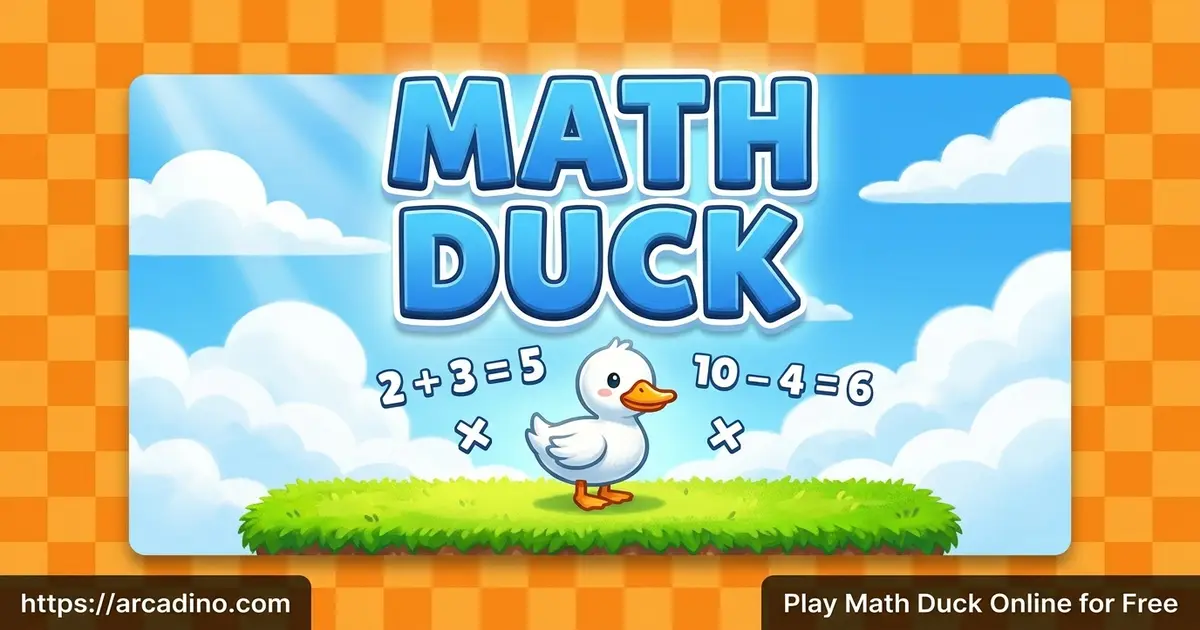
Math Duck is a fast math puzzle platformer where solving equations is your only way out. You play as a small duck stuck in rooms locked behind math problems. To escape, you read the equation at the top, collect the right number tiles, then grab the key. The exit door opens once the puzzle is done.
The game was made by Misc.261 Games and has been around since 2022. It mixes quick thinking with reflexes in a way few math games do. Honestly, what surprised me most is how smoothly the duck moves in the browser. There’s no lag when you jump, which matters a lot when every second counts.
Math Duck Gameplay
The loop in this puzzle platformer is simple but clever. An equation sits in the top-left corner, like 16 minus 8. You scan the level, spot the correct answer tile, and steer your duck to step on it. Get it right, and the key appears somewhere on the map.
But the danger keeps things exciting. Gray spikes will end your run instantly if you touch them. Falling red spikes are just as deadly, so timing your jumps matters. Some levels stack multiple equations, and you must solve them top to bottom. Grab a wrong number, and the whole run resets, so accuracy beats rushing.
Levels and Progression in Math Duck
There are 18 levels in total, and each one is harder than the last. The early stages ease you in with simple sums and clear paths. The math stays basic, so beginners can find their rhythm fast.
Later levels are where the real challenge kicks in. The 10-second timer barely matters at first, but it becomes a brutal obstacle near the end. You’ll face trickier layouts, hidden keys, and more traps to dodge. Some levels even add blue buttons that shift equation positions when you step on them.
Graphics and Audio in Math Duck
The visuals here are bright, colorful, and friendly for younger players. The duck character is charming and easy to spot against the playful backgrounds. Number tiles and spikes stand out clearly, so you always know what to grab and what to avoid.
This clean style helps a lot during fast rounds. When you’ve got 10 seconds, you don’t want to squint at cluttered graphics. Everything in this math platformer reads quickly, which keeps the focus on solving and surviving.
How to Play Math Duck
Getting started takes seconds. Look at the math problem in the top-left corner first, before you move at all. The timer only starts once you begin moving, so use that pause to plan your route. Then guide the duck onto the correct number tiles in order, grab the key, and dash to the door.
The trick is planning ahead. Figure out which numbers you need and the safest path to reach them. Then sprint for the key and exit before the clock hits zero.
Math Duck Controls
-
Arrow Keys or WASD – Move the duck left and right
-
Up Arrow or W – Jump over gaps and spikes
-
R Key – Restart the current level
-
On Mobile and Tablet – Tap the on-screen arrows to move and jump
Tips and Tricks for Math Duck
- Read the equation before you move, since the timer only starts when you do.
- Solve stacked equations from top to bottom, grabbing numbers in that exact order.
- Scan the whole level for the exit and key locations first, then plan your path.
- Avoid wrong number tiles completely, because grabbing one instantly ends your run.
- Replay tough stages to memorize the fastest route around spikes and falling traps.
Key Features of Math Duck
- A 10-second timer on every level that turns simple sums into a thrilling sprint.
- 18 hand-crafted levels that ramp up in difficulty as you progress.
- Deadly gray spikes and falling red traps that test your reflexes.
- Addition and subtraction puzzles wrapped inside a real platformer challenge.
- Instant restart with the R key so you can retry hard levels right away.
Where to Play Math Duck
You can play Math Duck free in any web browser, with no download or sign-up needed. It works in Chrome, Firefox, Safari, and Edge on desktop and laptop. The game also runs on phones and tablets, using simple on-screen tap controls. Because it uses mobile-friendly HTML5 design, it loads fast on most devices.
There’s no app store version, so stick to playing the browser game directly. If you ever see an APK download claiming to be this game, avoid it for safety. The browser version is the safest and easiest way to start playing.
For Parents
Math Duck is a safe, family-friendly game well suited for kids in 3rd and 4th grade. It builds real skills like mental math, problem-solving, and quick decision-making under pressure. The math sticks to addition and subtraction, making it great early practice that feels like play instead of homework.
There’s no chat feature and the content stays clean and age-appropriate. Short levels make it easy to set time limits, like 15 or 20 minutes of play. Parents and kids can even tackle the trickier later levels together.
Similar Games to Math Duck
If you enjoy this blend of brain teasers and timed action, these other puzzle and math games are worth a try.
-
Times Tables Duck – The direct sequel with the same mechanics, swapping in multiplication problems.
-
Multiplication Duck – A duck adventure focused on practicing your times tables.
-
Ducky Race – A multiplayer math racing game where you practice subtraction against others.
-
2048 – A number-sliding puzzle that rewards smart planning and quick math.
-
Word Search – A relaxing brain game for hunting hidden words on a grid.
Find more brain-boosting fun in our Educational games collection.
FAQs About Math Duck
How many levels are there in Math Duck?
Math Duck has 18 levels in total. Each level is harder than the one before, with trickier layouts and tighter timing. The early stages are easy, but the final levels really test your speed.
Is Math Duck free to play?
Yes, Math Duck is completely free to play online. You don’t need to download anything or create an account. Just open it in your browser and start solving.
What math skills does Math Duck teach?
Math Duck focuses on addition and subtraction. You solve quick equations while navigating platform levels. It also sharpens reflexes, route-planning, and time management.
How long is the timer in Math Duck?
You get 10 seconds per level in Math Duck. The clock only starts once you begin moving. Use that pause to read the equation and plan your path.
What happens if I grab the wrong number?
Grabbing the wrong number instantly ends your run. You’ll have to restart that level from the beginning. So choose your tiles carefully and in the right order.
Can I play Math Duck on mobile?
Yes, Math Duck works on phones and tablets. It uses on-screen arrow buttons for moving and jumping. The HTML5 design loads quickly on most devices.
Is there a sequel to Math Duck?
Yes, the sequel is called Times Tables Duck. It uses the exact same gameplay but swaps in multiplication problems. The levels and equations are new.
Ready to Help the Duck Escape?
Math Duck nails the balance between learning and pure arcade thrills. The 10-second timer keeps your heart racing, the 18 levels keep you hooked, and the spikes keep you sharp. It’s proof that practicing addition and subtraction can feel like a real adventure. Grab those number tiles, snatch the key, and see if you can waddle your way through every locked door before time runs out!