


























Watch one short ad and play ad-free for 30 minutes.
Blob Opera
David Li / Google Arts & CultureEver wanted to lead your own opera choir without singing a single note? Blob Opera lets you do exactly that, free and right in your browser. You drag four wobbly blobs around to make them sing beautiful, hilarious harmonies. It’s built on real opera voices and a clever machine learning model, so the sound is shockingly lifelike. There are no scores, no levels, and no way to lose. You just experiment, laugh, and create music that’s all your own. 🎵 If you’ve ever searched how Blob Opera works, the answer is simple: you’re the conductor, and the blobs do the singing.
- Control four singing blobs that harmonize in real time
- Built using real recordings from professional opera singers
- Record your songs and share them with friends
- Pick world stages like London, New York, and Paris
What Is Blob Opera?
Blob Opera is a music experiment created by artist David Li with Google Arts & Culture. It’s not a normal game with goals or enemies. Instead, it’s a playful musical toy where you guide four blobs to sing opera. The sounds come from a machine learning model trained on the voices of four real opera singers.
Blob Opera first launched in December 2020 as a free Google Arts & Culture experiment. David Li built it to run right inside your web browser, with no app needed. That means you can play it on almost any device, anytime. It’s been a fan favorite ever since, especially around the holidays.
That detail makes the whole thing special. The blobs aren’t using robot voices. The AI learned what opera should sound like, then sings based on how you move each blob. The four singers behind those voices are Christian Joel (tenor), Frederick Tong (bass), Joanna Gamble (mezzo-soprano), and Olivia Doutney (soprano). They recorded about 16 hours of singing to teach the machine learning model. When I opened the page on a regular laptop, the harmonies blended together instantly with no choppy lag. It loads fast and runs smoothly in the browser, which is perfect for quick creative sessions.
Gameplay in Blob Opera
The core loop is pure creative freedom. You click and drag a blob up or down to change its pitch. Higher drags make higher notes, lower drags make deeper ones. Move a blob forward or backward and you change the vowel sound, like “ah,” “ee,” or “oo.”
Here’s the magic part. Once you move one blob, the blobs to its right try to follow and harmonize. That means you can build a full four-part choir without any music training. You can hold one long dramatic note or race through a fast melody. Since there’s no way to win or lose, every session feels relaxed and fun.
Graphics and Audio in Blob Opera
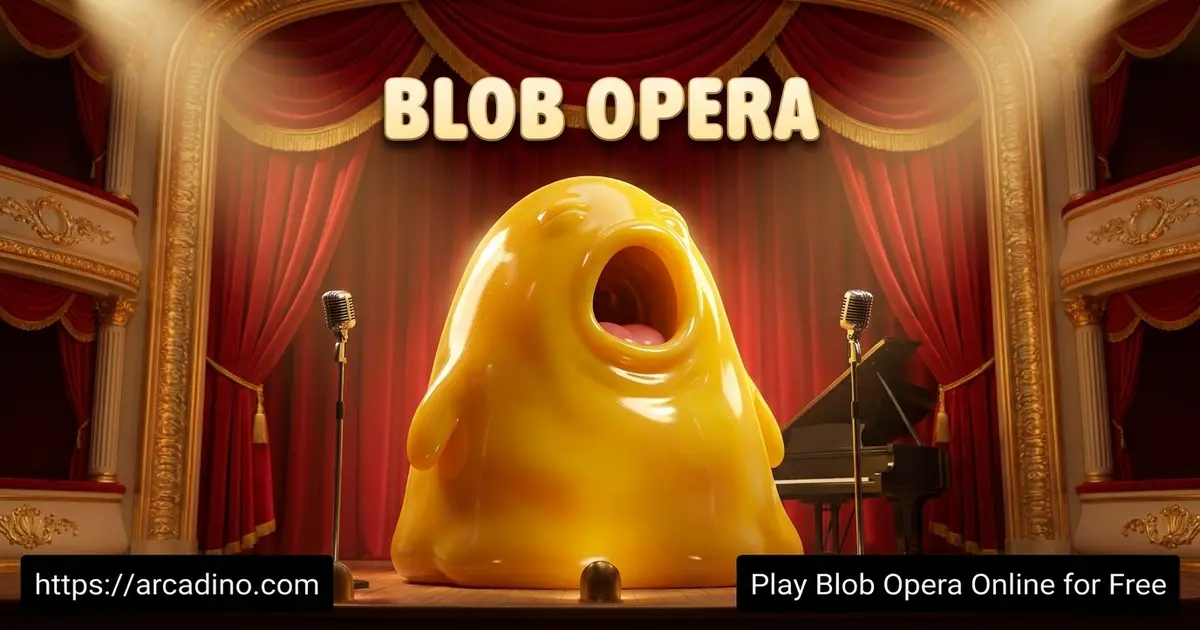
The visuals are simple but charming. Four colorful, gelatinous characters bounce on a stage and stretch as they sing. Their mouths open wide on high notes, which looks goofy and adorable.
The audio is the real star here. Each blob covers a different voice: bass, tenor, mezzo-soprano, and soprano. Those voices come from real singers Frederick Tong, Christian Joel, Joanna Gamble, and Olivia Doutney. When all four sing together, the sound is surprisingly warm and convincing. The game uses modern web audio tech to keep the harmonies smooth, though older devices may struggle a bit.
How the Voice Ordering Works
The four blobs are lined up left to right in a special order. From left to right, they sing bass, tenor, mezzo-soprano, and soprano. That means the leftmost blob makes the deepest sounds, and the rightmost one hits the highest. The harmony engine uses this order to decide who follows who. When you move the leftmost blob, the others to its right try to harmonize around your note. So if you want a deep, booming choir, start with the bass blob on the left. If you want a bright, high sound, lead with the soprano on the right. Knowing this order helps you arrange your choir exactly how you want it. Think of yourself as a conductor placing each singer in the right spot.
Stages and World Tour
You’re not stuck on one boring backdrop. Click the globe icon in the bottom-right corner to take your blobs on tour. The list of locations includes the Blobpera House, London, New York, Mexico City, Seoul, Cape Town, and Paris.
Each stage gives your performance a fresh vibe. There’s also a festive toggle in the bottom-right that adds holiday hats and seasonal songs. It’s a small touch, but it makes replaying this music experiment feel new every time.
How to Play Blob Opera
Getting started takes about five seconds. Open the page, and four blobs appear on a stage ready to perform. Click and drag any blob to make it sing, then add the others to build harmonies. Follow the quick on-screen tips and you’ll be conducting in no time.
Controls
- Drag a blob up or down: changes the pitch of the note.
- Drag a blob forward or backward: changes the vowel sound it sings.
- Record button: found in the bottom-left corner as a red button to save your performance.
- On mobile: tap and drag the blobs with your finger.
Tips and Tricks for Blob Opera
- Start with one blob first so you learn how pitch and vowels feel.
- Use the follow-along trick: move the leftmost blob to trigger four-part harmony from the start.
- For drama, drag a blob from a low note quickly up to a high one.
- Try moving two blobs at once to build richer harmonies.
- Hit the festive toggle in the bottom-right corner for holiday hats and seasonal tunes.
Recreate Famous Songs in Blob Opera
One of the most fun things you can do is recreate songs you already know. Players love copying famous tunes like the “Duel of the Fates” from Star Wars, the “Halo Theme,” and Mozart’s haunting “Lacrimosa” from his Requiem (K.626). You don’t need sheet music to try it. Just listen to the melody in your head and move a blob up and down to match the notes. With a little practice, your blobs can perform songs everyone recognizes.
Step-by-Step: Sing a Simple Scale
Let’s start with something easy that builds your skills fast. A scale is just notes going up one by one, like “do, re, mi, fa, so, la, ti, do.” Here’s how to do it with the soprano blob on the right.
- Click and hold the rightmost blob, the soprano.
- Start near the bottom of the stage for your lowest “do.”
- Drag the blob slowly upward, pausing at each step.
- Each little pause is the next note: re, mi, fa, and so on.
- Keep going until you reach the top for the final high “do.”
Once that feels easy, try a real tune like “Twinkle, Twinkle, Little Star.” Lead with one blob for the melody, then let the others fill in harmony. Move slowly at first so the blobs follow cleanly. The more you practice, the faster and fancier your songs get.
Key Features of Blob Opera
- Voices built from real recordings by four professional opera singers.
- No musical skill needed to create full harmonies instantly.
- Simple drag-and-drop controls that work for all ages.
- Record your creations and share a link with friends.
- World tour stages plus a festive holiday mode.
Where to Play Blob Opera
You can play Blob Opera free online in any browser, with no download and no sign-up. It runs on Chrome, Firefox, Safari, and Edge, and works on PCs, tablets, phones, and Chromebooks. Because it uses newer web audio tech, very old devices might feel a little laggy, but most computers handle it smoothly.
Lots of kids want to play at school, but some networks block games. Since Blob Opera is an official Google Arts & Culture page, it’s often unblocked on school Chromebooks. If your network blocks it, ask a teacher to allow the Google Arts & Culture site. Because it lives on a trusted Google domain, it’s usually safe and easy to approve.
You can also share recordings straight into Google Classroom, which makes it handy for music lessons. There’s no official app, so stick to the browser version and avoid sketchy APK downloads claiming to be the real thing. The whole experience stays right here in your browser, ready whenever you want to conduct a choir.
For Parents and Teachers
Blob Opera is a safe and gentle pick for kids of all ages. There’s no chat, no in-app purchases, and no way to fail or get a game over. It quietly teaches music basics like pitch, vowels, and harmony through hands-on play.
Teachers can use it as a classroom music tool, partly because of the Google Classroom sharing option. Since there are no levels to chase, kids can play in short bursts or longer creative sessions. A 15 to 20 minute play period is plenty for a fun musical break.
Quick Classroom Lesson Ideas
Here are some easy activities teachers can run in a 15 to 20 minute block. Each one turns Blob Opera into a hands-on music lesson. Try a call-and-response game: you sing a short pattern with one blob, then a student copies it. For pitch practice, ask kids to identify when a note jumps high or stays low, naming the interval. To explore vowels, drag a blob forward and backward so students hear how “ah,” “ee,” and “oo” change the sound. You can also split the class into four groups, one per voice, and build a choir together. When time is up, students record their best song and share it through Google Classroom for assessment. These exercises teach pitch, harmony, and listening skills without any pressure.
Similar Games to Blob Opera
If you love making music and messing around with sound, these creative games are worth a try.
- Chrome Music Lab – another Google music experiment with simple tools for melodies and rhythms.
- Friday Night Funkin’ – a rhythm game where you match beats in singing battles.
- Virtual Online Piano – freestyle on a full keyboard right in your browser.
- Blob.io – a fast multiplayer game where you grow your blob and absorb others.
- House of Hazards – a silly party game where you finish tasks while dodging traps with friends.
- Music Games – browse more singing and sound experiments.
FAQs About Blob Opera
What is Blob Opera?
Blob Opera is a music experiment where you control four singing blobs. It was created by David Li with Google Arts & Culture. The blobs harmonize using a machine learning model trained on real opera voices.
How does Blob Opera work?
You drag the blobs to control their singing. Moving up or down changes pitch, while moving forward or backward changes the vowel sound. The other blobs automatically harmonize with your input in real time.
How do you play Blob Opera?
Click and drag any blob to make it sing. Add more blobs to build harmonies, then record your song if you like. There are no rules, scores, or ways to lose.
Is Blob Opera free to play?
Yes, Blob Opera is completely free in your browser. You don’t need a download, login, or any payment. Just open the page and start conducting.
Do I need to be a musician to play Blob Opera?
No, you need zero musical experience to play. The blobs harmonize for you automatically as you move them. Anyone can make a great-sounding opera in minutes.
Can I save the music I make in Blob Opera?
Yes, you can record your performance with the red record button in the bottom-left corner. After recording, you can share a link with friends or family. It’s a fun way to show off your blob choir.
Why is Blob Opera laggy sometimes?
Lag usually happens on older or slower devices. The game uses newer web audio technology that needs decent hardware. Closing extra browser tabs often helps it run smoother.
When did Blob Opera come out?
Blob Opera launched in December 2020 from Google Arts & Culture. Artist David Li created it as a free browser experiment. It’s been popular with kids and teachers ever since.
Conclusion
Blob Opera turns anyone into a choir conductor with just a mouse or finger. The real opera voices, the smooth harmonies, and the world tour stages make every session feel fresh. Best of all, there’s no pressure, no scores, and no wrong notes. Open it up, drag a few blobs, and discover the silly, beautiful music hiding inside you.
