
























Watch one short ad and play ad-free for 30 minutes.
Pixel Warfare
Angel Iliev HrisimovEver wanted to drop into a fast multiplayer shootout where every gun is already yours? Pixel Warfare hands you a full arsenal the second you spawn. This free browser FPS mixes blocky Minecraft-style graphics with crunchy 8-bit music for a true retro feel. You join active rooms, pick a weapon, and start blasting real players from around the world. There’s no download and no sign-up needed to play Pixel Warfare online. Many players search for it as a “pixel war” or “warfare pixel” game, and it delivers on both. 🎮
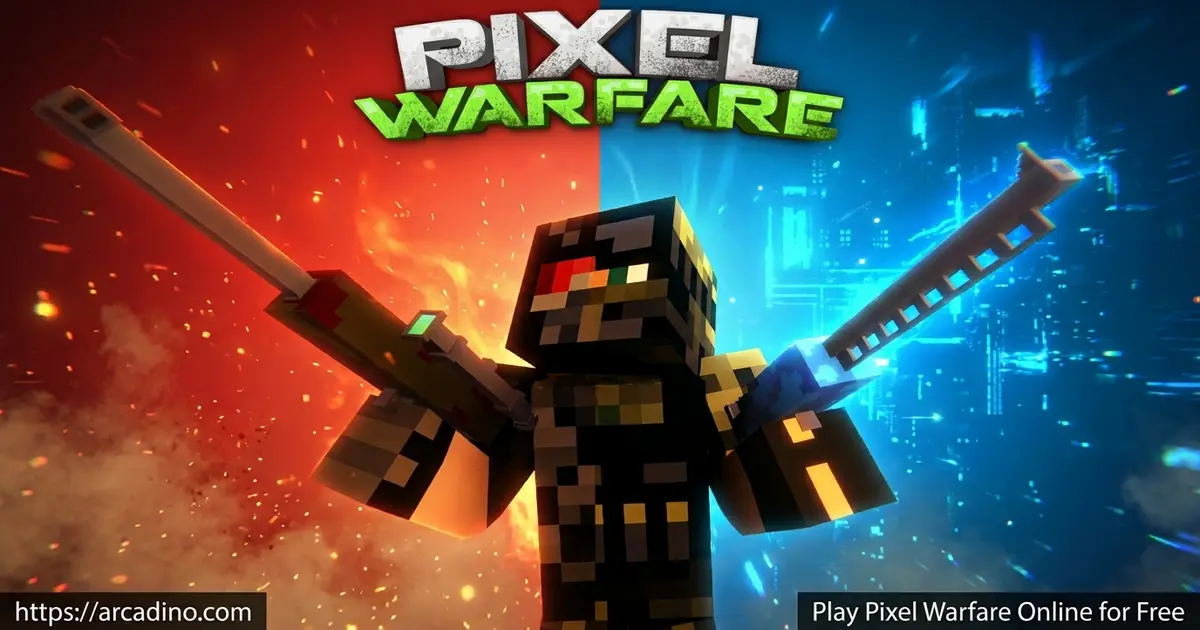
- Free multiplayer FPS with blocky pixel-art graphics and 8-bit sound.
- Every weapon unlocked from the start, including snipers and rocket launchers.
- Multiple modes like Team Deathmatch, Free for All, and Zombie Infection.
- Create custom private rooms and battle friends with your own rules.
What Is Pixel Warfare?
Pixel Warfare is a free online multiplayer first-person shooter built around blocky, retro graphics. It drops you into real-time PvP battles against players worldwide, not bots. The pixel art style feels similar to games like Minecraft and Pixel Gun 3D. Add in the 8-bit soundtrack, and every match has that nostalgic arcade energy.
What makes this title click is how fast you get into a fight. The game uses active rooms that are almost always full of players. You pick a room, choose your gear, and the action starts right away. I loaded it in Chrome and it ran smoothly with no install, which is exactly what you want from a browser shooter.
The pixelated look doesn’t hurt the competitive side at all. Every shot still counts, and smart positioning matters. From casual quick matches to tense sniper duels, this blocky warfare game keeps the gameplay sharp and the controls responsive.
Pixel Warfare Gameplay
You spawn into a match that’s already in motion. Grab a weapon, move, and hit opponents before they hit you. When you can’t win a fight head-on, you run, crouch, or go prone to survive. That mix of attack and survival is what keeps each round tense.
The core loop is simple but addictive. You rack up kills, watch your stats climb, and jump straight into the next battle. Maps range from tight urban spaces to open zones built for long-range shots. The varied terrain forces you to switch tactics often, so no two matches feel the same.
Game Modes in Pixel Warfare
This pixel war shooter offers several modes to keep things fresh. You can play Team Deathmatch, Free for All, or the chaotic Zombie Infection. In Zombie Infection, getting tagged flips you to the infected side for the rest of the round. That single rule changes how cautiously you play.
Each mode rewards a different style. Team modes reward coordination with friends, while Free for All is pure solo chaos. Switching between them is the easiest way to avoid getting bored. There’s always a different challenge waiting in the menu.
The Pixel Warfare Weapon Arsenal
Here’s the best part: every weapon is unlocked from the start. There’s no grind to earn a sniper or rocket launcher. Your kit includes pistols, shotguns, snipers, machine guns, grenade launchers, and rocket launchers. You scroll through them with the number keys or your mouse wheel.
Each gun carries a set amount of ammo, so you can’t just spray forever. That limit adds a smart layer of resource management to every fight. Snipers reward patience and precision, while shotguns shine in close quarters. Picking the right tool for the moment is half the fun. 🔫
Custom Rooms in Pixel Warfare
If you want full control, you can create your own private room. From the menu, choose the “Create Room” option to set your rules. You decide the game mode, map, round length, and max player count. You can even pick which weapons are allowed in the match.
This makes the game great for playing with friends. Set up a sniper-only round or a quick small-team brawl. The custom options let you build matches that fit exactly how your group likes to play. It’s one of the things that gives this shooter real replay value.
How to Play Pixel Warfare
Getting started takes seconds. Open the game, wait for it to load, and pick a game mode from the menu. Then choose a room and you’ll spawn straight into a live battle. You can compete with real players, earn kills, and watch your K/D ratio improve over time.
Pixel Warfare Controls
- WASD or arrow keys: Move around the map.
- Left mouse button: Aim and fire your weapon.
- Right mouse button: Aim down sights or scope.
- Shift + W: Sprint to move faster.
- Space: Jump over obstacles.
- C: Crouch for stealth and accuracy. Z: Go prone for stability.
- Number keys 1-8 or scroll wheel: Switch weapons. Tab: Open the scoreboard. Enter: Chat with teammates.
- On mobile, tap the screen to control movement and actions.
Tips and Tricks for Pixel Warfare
- Watch your ammo count. Every weapon has limited bullets, so reload during quiet moments instead of mid-firefight.
- Use the sniper rifle if your aim is steady. It’s very powerful for long-range picks across open maps.
- Go prone with the Z key for the steadiest shots. It makes a real difference for precision kills.
- In Zombie Infection, stay near teammates. Getting tagged flips you to the infected side for the rest of the round.
- Switch weapons fast with the scroll wheel. Match shotguns to tight corridors and rifles to open zones.
Key Features of Pixel Warfare
- All weapons available from the start, including snipers, shotguns, machine guns, and rocket launchers.
- Real-time PvP multiplayer against players worldwide, never bots.
- Multiple modes: Team Deathmatch, Free for All, and Zombie Infection.
- Custom private rooms with control over mode, map, round time, players, and allowed weapons.
- Stat tracking that remembers your kills, deaths, and K/D ratio in the menu.
Where to Play Pixel Warfare
The easiest way to jump in is right here in your browser. The game is free, instant, and needs no download or sign-up. It runs on any modern browser like Chrome, Firefox, Safari, or Edge. That means computers, laptops, tablets, and phones can all load it.
There are also mobile apps if you prefer playing on the go. You can grab it on Google Play for Android or the App Store for iPhone and iPad. Stick to these official stores rather than random APK sites, which can be unsafe. On Arcadino, you can play instantly without any restrictions on the page.
For Parents
Pixel Warfare is a multiplayer shooter with blocky, cartoonish pixel graphics rather than realistic violence. The retro style keeps the combat feeling like an arcade game, which suits players around ages 8 and up. There is an in-game chat feature, so it’s worth reminding kids not to share personal info with strangers. Short matches make it easy to set a reasonable play-time limit before the next round pulls them back in.
Similar Games to Pixel Warfare
If you love this blocky multiplayer FPS, these other browser shooters and IO games are worth a try.
- Shell Shockers – a fast .io FPS where you play as eggs armed with guns.
- Smash Karts – an IO battle game where you race, shoot, and unlock new karts.
- Worm Hunt – collect coins, unlock skins, and upgrade your worm in this snake-style battle.
- Pixel Gun 3D – another pixel shooter with blocky guns and online battles.
Want more action? Browse the Shooting category for similar games.
FAQs About Pixel Warfare
Is Pixel Warfare free to play?
Yes, Pixel Warfare is completely free to play. You can access all weapons, maps, and game modes without paying anything. It runs right in your browser with no download required.
Do I need to download anything to play Pixel Warfare?
No download is needed for the browser version. The game loads directly in your web browser on any device with internet. If you prefer apps, there are official versions on Google Play and the App Store.
Are all weapons available from the start in Pixel Warfare?
Yes, every weapon is unlocked from the beginning. You can use snipers, shotguns, machine guns, and rocket launchers right away. There’s no grind to earn your favorite gun.
What is the best weapon in Pixel Warfare?
It depends on your playing style. The sniper rifle is very powerful if your aim is good. Shotguns are stronger in close-range fights, so match the weapon to the map.
How do I aim in Pixel Warfare?
Use the right mouse button to aim or scope in. Then click the left mouse button to fire your weapon. Going prone with Z helps keep your shots steady.
Can I play Pixel Warfare with friends?
Yes, you can play with friends in custom rooms. Create a private room from the menu and set your own rules. You can also team up in Team Deathmatch against global players.
Can you play Pixel Warfare on Firefox?
Yes, Pixel Warfare works on Firefox and other modern browsers. It also runs smoothly on Chrome, Safari, and Edge. Any up-to-date browser with an internet connection will do.
Does Pixel Warfare save my progress?
Yes, the game tracks your stats over time. It remembers your kills, deaths, and K/D ratio in the menu screen. This lets you watch your skills improve match after match.
Ready to Join the Pixel Battle?
Pixel Warfare nails the retro shooter formula with instant matches, a full weapon arsenal, and modes that range from team brawls to zombie survival. The custom rooms and stat tracking give you plenty of reasons to keep coming back. Best of all, it’s free and loads in seconds with no install. Grab a sniper, hop into a room, and see how high you can push that K/D ratio.
Gameplay Video