












Geometry Dash SubZero
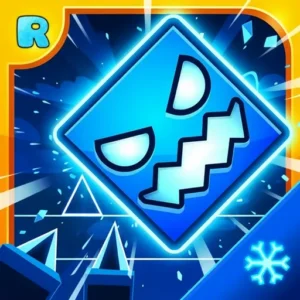
RobTop GamesPull on a virtual winter coat, because Geometry Dash SubZero throws you into an icy neon world where every beat matters. This rhythm-based platformer is free to play online in your browser, and it’s the chilly spin-off from the wider Geometry Dash series. You guide a tiny cube through three handcrafted levels packed with spikes, gravity flips, and shape-shifting portals. Miss a jump and you’re back to the start – that’s the whole thrill. It’s often just called “Geometry Dash” by fans, but SubZero is its own frosty chapter.
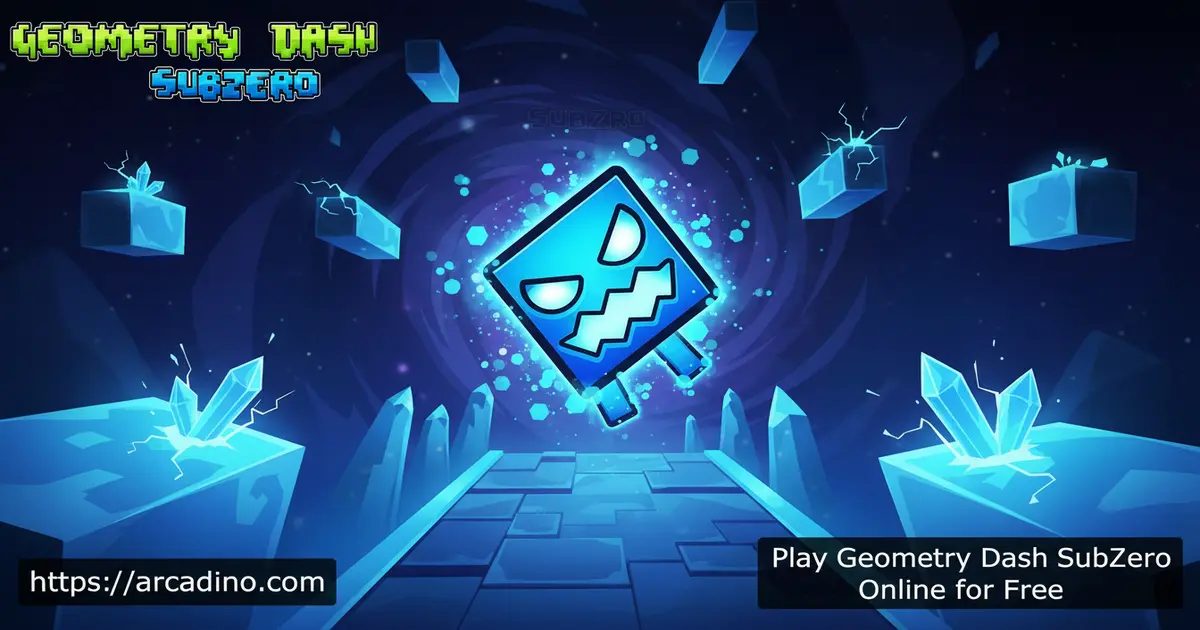
- Three exclusive levels: Press Start, Nock Em, and Power Trip 🧊
- One-button rhythm controls synced to MDK, Bossfight, and Boom Kitty tracks
- Practice Mode with placeable checkpoints for tough sections
- Unlockable SubZero icons to customize your cube
What Is Geometry Dash SubZero?
Geometry Dash SubZero is a rhythm-based action platformer from the Geometry Dash family. You steer a geometric cube that constantly auto-runs, and your only job is to time jumps to dodge spikes, walls, and traps. The game was made to preview features heading to the main Geometry Dash 2.2 update, so it shows off fresh animation tricks and camera transitions.
What makes SubZero stand out is the icy, neon-drenched art style and a soundtrack that literally drives the level design. Honestly, the first thing I noticed loading it in Chrome is how snappy the controls feel – taps register instantly, which matters a lot when one mistimed jump ends your run. The browser version runs smoothly without any installation, so you can jump straight into Press Start in seconds.
SubZero was built by RobTop Games, the studio run by Swedish developer Robert Topala (known to fans as RubRub). He’s the same creator behind the original Geometry Dash, Meltdown, World, and Lite. That’s why every spin-off feels so consistent – one designer, one vision, one chilly twist at a time.
Geometry Dash SubZero Gameplay
The core loop is wonderfully simple: tap to jump, hold to keep jumping, and survive until the finish line. But your cube doesn’t stay a cube the whole time. As you travel through portals (or smash through walls in later levels), it morphs into a Ship, Ball, Robot, Wave, or Spider, and each form handles differently.
That shape-swap is where the real challenge kicks in. The Ship needs a steady hold to fly, while the Wave demands tight zig-zag taps. The whole game pulses to the music, so jumps often line up with the beat – if you trust the song, your fingers usually follow.
Levels and Progression in SubZero
SubZero ships with three exclusive stages, each with its own song and difficulty rating. You can pick any level from the start, but playing in order helps you learn the mechanics step by step.
- Press Start (Normal, 4★) – The friendly opener with a Mario-style chasing sequence and a green tunnel transition.
- Nock Em (Hard, 6★) – Disco platforms, sudden drops, and your first taste of Wave and Spider forms.
- Power Trip (Harder, 8★) – Mirror flips, mini portals, and razor-thin timing windows for veterans.
Each level also hides three secret coins in awkward, hard-to-reach spots. Grabbing them is a side challenge for players who’ve already mastered the main run.
Your First Hour: A New Player Roadmap
If you’re brand new, don’t jump straight into Nock Em – you’ll just frustrate yourself. Start by running Press Start in Practice Mode, dropping a checkpoint every ten seconds or so. Most newcomers need around 5 to 10 practice runs before they nail a clean Normal Mode finish on Press Start. Once that clicks, replay it twice more without checkpoints to lock in the muscle memory.
The form that trips up most beginners is the Wave, not the Ship. Wave sections want quick, even taps to thread through narrow channels, and panic-tapping always crashes you. Practice the Wave bits in Nock Em alone before trying a full run. Save Power Trip for later sessions – it assumes you already trust the beat.
SubZero vs Meltdown vs World: Which Spin-Off Wins?
RobTop’s three free spin-offs look alike but feel pretty different. Here’s a quick side-by-side so you can pick the right one:
- Geometry Dash SubZero – 3 icy levels, all six forms, songs by MDK, Bossfight, and Boom Kitty. Hardest difficulty curve of the three (peaks at 8★).
- Geometry Dash Meltdown – 3 fiery levels, all six forms, songs by F-777. Difficulty caps a bit lower and feels slightly easier than SubZero.
- Geometry Dash World – 10 short levels across two worlds, every form included, multiple artists. Best for players who want lots of variety in bite-sized chunks.
Short version: pick World for variety, Meltdown for a friendlier challenge, and SubZero if you want the toughest, most cinematic spin-off.
Graphics and Sound in Geometry Dash SubZero
The visual identity is what gives this title its frosty personality. Glowing blues, sharp neon edges, and slick camera pans make every level feel like a music video. New transition effects – like the camera dropping with the cube in Nock Em – hint at the kind of cinematic moments coming to the main series.
The soundtrack is a huge part of why fans keep replaying it. MDK, Bossfight, and Boom Kitty contributed the three tracks, and every spike, portal, and gravity flip is timed to the beat. Headphones genuinely help you score better runs.
Customization and Icons
Beating levels and finding secret coins unlocks new SubZero icons for your cube. There’s a solid collection of skins and color combos, so you can give your little square some style before diving back in. It’s not deep RPG-style customization, just enough flair to make your runs feel personal.
How to Play Geometry Dash SubZero
Getting started takes about ten seconds. Open the page, hit play, and pick Press Start if you’re new. The game loads with no sign-up, no account, and no lobby – just you and the music.
Your goal in Normal Mode is to reach the end of the level in a single clean run. Crashing into anything sends you straight back to the beginning, which sounds harsh but trains your muscle memory fast. Use Practice Mode if a section keeps wrecking you – it lets you place checkpoints anywhere on the track.
Controls
The controls in Geometry Dash SubZero are intentionally minimal. On desktop, press the spacebar, the up arrow key, or click the left mouse button to jump. Hold the same input for repeated jumps when needed. On mobile or tablet, just tap the screen. The button does different things depending on your form – tapping a Ship makes it climb, while tapping a Ball flips its gravity.
Browser Performance and Accessibility
Because SubZero runs as a modern HTML5 build, there’s no Flash plugin to install and no ancient browser drama. On a typical Chromebook or mid-range laptop, input latency stays low – usually under 50 milliseconds – which is why taps feel tight even on school hardware. Closing extra tabs and disabling heavy browser extensions helps frame rates stay smooth on older machines.
The game is fully keyboard-only friendly: spacebar or up arrow does everything, so you don’t need a mouse or touchpad. Players who use a single switch or adaptive controller can map either key easily. One thing to flag for colorblind players – the heavy neon blue palette can blur spike outlines against the background. Turning up screen brightness or using a high-contrast browser theme often makes obstacles pop more clearly.
Tips and Tricks for Geometry Dash SubZero
- Run Practice Mode first – drop checkpoints before each tricky pattern in Nock Em or Power Trip so you can drill the hard bits without restarting the whole level.
- Listen, don’t just look – jumps usually land on the beat, so let MDK and Bossfight’s tracks guide your timing.
- Memorize the form switches – the moment your cube becomes a Ship or Wave, your reflexes need to change. Know what’s coming.
- Skip the secret coins on early runs – focus on finishing the level cleanly first, then chase the three hidden coins for bragging rights.
- Take short breaks – SubZero punishes tired fingers. A two-minute pause beats grinding the same fail for an hour.
Key Features of Geometry Dash SubZero
- Three handcrafted icy levels with their own music tracks and difficulty ratings
- Six character forms – Cube, Ship, Ball, Robot, Wave, and Spider – each with unique physics
- Practice Mode with custom checkpoints for learning tough sections
- Hidden secret coins in every stage for completionists
- One-button rhythm controls that work on keyboard, mouse, and touchscreen
Where to Play Geometry Dash SubZero
The easiest way to dive in is right here in your browser – no download, no installation, no account required. The HTML5 build runs on Chrome, Firefox, Safari, and Edge, and it works on Chromebooks too, which is why so many players discover it through school-friendly game portals and unblocked sites.
If you’d rather take SubZero on the go, the official mobile apps are free from RobTop Games. Grab them here:
Stick to the official stores – random APK sites can bundle malware, and you don’t need them when the real app is free. Desktop players can simply bookmark the browser version and play whenever they want.
For Parents
In our opinion, Geometry Dash SubZero suits most kids around 8 and up, though the official App Store rating is 4+ and Google Play lists it as Everyone. There’s no violence, no chat function, and no way for strangers to contact your child. The browser version we host is fully free with no in-app purchases or pay-to-win mechanics.
The game actually builds useful skills – rhythm, focus, pattern recognition, and patience under pressure. Runs are short, so it’s easy to set a 20 or 30 minute play limit without cutting off mid-progress. Just know it can be frustrating; encourage breaks if your kid gets stuck on Power Trip.
Similar Games to Geometry Dash SubZero
If the icy beats and one-button chaos hooked you, these rhythm and reflex games hit a similar nerve:
- Geometry Dash – The original full game with dozens of official levels and a custom level editor.
- Geometry Dash Meltdown – The fiery counterpart to SubZero, with three lava-themed stages.
- Geometry Dash World – A larger spin-off with two worlds and ten short levels.
- Geometry Dash Lite – A free trim of the main game, perfect for newcomers.
- Moto X3M – Different vibe but the same “one wrong move and you restart” reflex addiction.
- Idle Breakout – A chill, clicky brick-buster that’s easy to dip into between tough SubZero runs.
Want more reflex challenges? Browse our full Platformer collection.
FAQs About Geometry Dash SubZero
Is Geometry Dash SubZero free?
Yes, Geometry Dash SubZero is completely free in your browser and on mobile. The Google Play and App Store versions are also free downloads from RobTop Games. There are no paywalls blocking levels or character forms.
When did Geometry Dash SubZero come out?
Geometry Dash SubZero launched in late 2017 as a preview of the upcoming 2.2 update. It was released on iOS and Android first, with browser ports following soon after. The three-level structure has stayed the same since.
Is Geometry Dash SubZero the same as Geometry Dash?
No, SubZero is a standalone spin-off, not the main game. It shares the same controls and core mechanics but has only three exclusive levels and no level editor. Many players confuse the two because they look so similar.
Is Geometry Neon Dash SubZero the same game?
“Geometry Neon Dash SubZero” is a common mislabel you’ll see on some game portals. It’s the same Geometry Dash SubZero made by RobTop Games – just listed under an extra “Neon” word because of the glowing visuals. There’s no separate Neon edition.
How many levels does Geometry Dash SubZero have?
SubZero has three official levels: Press Start, Nock Em, and Power Trip. Each one has its own song, difficulty rating, and three secret coins. There’s no custom level support in this version.
Can I play Geometry Dash SubZero on PC?
Yes, you can play it on any PC through your browser – no installation needed. Just open the game page on Chrome, Firefox, or Edge and hit play. There’s no official standalone PC client, but the web version works perfectly with a keyboard.
Is Geometry Dash SubZero hard?
Press Start is beginner-friendly, but Nock Em and Power Trip get genuinely tough. The game rewards memory and rhythm rather than raw reflexes. Practice Mode makes hard sections way more manageable.
Can I play Geometry Dash SubZero unblocked at school?
The browser version runs without downloads or plugins, so it doesn’t need anything installed on a school computer. Whether it actually loads depends entirely on your school’s network and policy. Always check with a teacher before playing during class.
Does Geometry Dash SubZero have a level editor?
No, SubZero doesn’t include a custom level editor. Only the full Geometry Dash game lets you build and share your own stages. SubZero focuses entirely on its three handmade levels.
Ready to Hit the Ice?
Geometry Dash SubZero packs a tight, replayable punch – three killer tracks, six character forms, and that addictive one-more-try loop. The frosty neon look and instant browser access make it perfect for short bursts or marathon practice sessions. Hit Press Start, follow the beat, and see how far your cube can slide before the spikes catch up.
Gameplay Video