

















Watch one short ad and play ad-free for 30 minutes.
Tank Trouble
Subterranean SoftwareEver fired a bullet that bounced off three walls and blasted your friend from behind? That’s the chaos of Tank Trouble, a free maze tank battler you can play right in your browser. You steer a little tank through tight mazes and launch shells that ricochet everywhere. The catch? Your own bullets can boomerang back and blow you up too. It’s fast, funny, and packed with near-misses. 💥
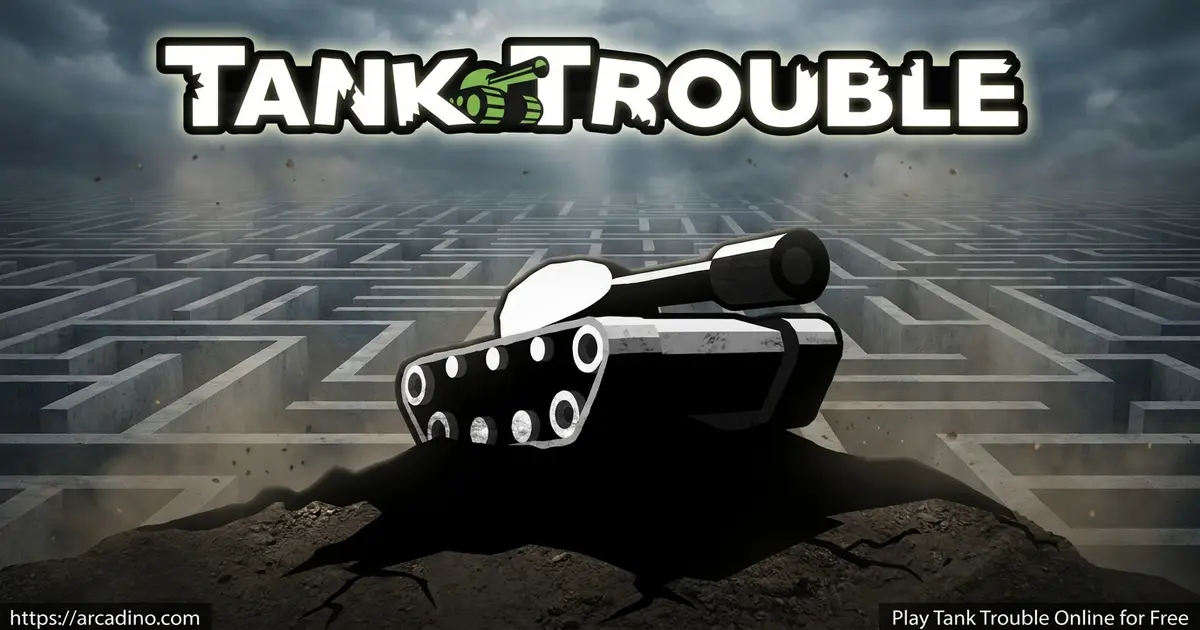
You can jump in solo against a tricky computer foe or grab friends for couch multiplayer. No download needed to start playing online. Just load the page and pick your players.
- Maze battles with bouncing bullets that hit friend and foe
- Up to four players on one keyboard
- Powerups like the Gatling gun, frag bomb, RC missile, and laser
- Solo mode against the space dog Laika
What Is Tank Trouble?
Tank Trouble is a top-down action game where small tanks duel inside walled mazes. Your shots don’t fly straight forever. They bounce off walls, so every shot is a gamble. Land a clever ricochet and you win the round. Misjudge it and you might tag yourself.
The game shines in local multiplayer, where up to four people share one keyboard. You can also battle a clever computer opponent named Laika in single-player mode. From my time testing it, the controls feel snappy in the browser and rounds load fast. Matches last seconds, so it’s the kind of pick-up-and-play title you fire up between other tasks.
Original Tank Trouble vs. the Remake
You’ll see a few versions floating around online. The original Tank Trouble is the classic browser game with simple keyboard play. There’s also a popular remake often called Tank Trouble 2. The remake keeps the same bouncing-bullet mayhem but adds extra features. It even supports gamepads, so you can plug in a controller for couch battles. If you want the classic feel, stick with the original; if you want more options, try the remake.
Tank Trouble Gameplay
The loop is simple and ruthless. You drive your tank, aim, and fire a shell into the maze. That shell keeps bouncing until it hits a tank. Whoever survives the round scores a point.
Because the arenas are cramped, you’re always close to danger. A wild shot can ping around corners and surprise everyone, including you. The goal is to be the highest-scoring player across rounds. Quick reflexes and smart angles beat brute force here.
Powerups and Battle Chaos
Powerups raise the stakes in every match. Drive over one to grab it and gain an edge. Some items let you spray bullets fast, while others deal big area damage. There are also long-range options like the RC missile and laser for sniping foes across the maze.
The Gatling gun unleashes a flurry when you hold fire. The frag bomb scatters shrapnel to wreck nearby tanks. The RC missile lets you steer a rocket into a target. There’s also a laser for ranged attacks. Grabbing the right powerup at the right moment can flip a losing round.
Game Modes in Tank Trouble
You get a couple of clear ways to play. Solo mode pits you against Laika, a sharp computer opponent who hunts you down. It’s a good warm-up for learning bounce angles. You’ll need quick dodging to survive.
Multiplayer is where the real fun lives. Invite one, two, or three friends to share the keyboard. The screen turns into a frantic free-for-all of dodging and firing. Whoever reads the maze best usually comes out on top.
How to Play Tank Trouble
Getting started takes seconds. Pick how many players will join, then check each player’s assigned controls before the match begins. You can also tweak each player’s name and tank color. Once you’re set, the maze loads and the shooting begins.
Tank Trouble Controls
On PC, the controls show on screen before the round starts. Use the assigned arrow keys to drive and the fire key to shoot. On mobile, move the joystick to steer and tap the button to fire. You can change any control by opening the pause menu, selecting controls, clicking a button, and pressing your new key.
Handy Keyboard Shortcuts
A few quick shortcuts make play smoother. Press Shift+F to jump into fullscreen for a bigger view. Hit Shift+P to pause the action when you need a break. There’s also Shift+C to open the console. These little keys help you tweak the game without digging through menus.
Using a Controller or Gamepad
Want to play with a controller instead of sharing a keyboard? The Tank Trouble remake adds gamepad support, which is great for couch multiplayer. First, plug your controller into your computer’s USB port, or connect it over Bluetooth. Then open the remake in your browser and let it detect the pad. Most modern browsers like Chrome and Edge read gamepads automatically through the built-in Gamepad feature. Once it’s connected, head to the controls menu and map your buttons. Now each player can grab their own controller and skip the keyboard crowding.
Browser Performance and System Requirements
Tank Trouble runs in plain HTML5, so it needs no Flash and no extra plugins. That means it loads fast, often in just a few seconds on a normal connection. Because the game is so light, it runs great on Chromebooks, old laptops, and low-spec computers. You don’t need a fancy graphics card or tons of memory to play smoothly. Any up-to-date browser like Chrome, Firefox, Safari, or Edge will do the job. Keep in mind it usually needs an internet connection to load the page first. Once loaded, the simple graphics keep the frame rate steady even on slower machines.
Tips and Tricks for Tank Trouble
- Use walls on purpose. Aim a bounce shot around a corner to hit hidden tanks.
- Don’t spam fire in tight spaces. Your own bouncing shell can circle back and end you.
- Grab every powerup you can. A Gatling gun or laser swings the round fast.
- Keep moving. A still tank is an easy target for ricochets.
- Against Laika, bait its shots into walls, then strike while it repositions.
Key Features of Tank Trouble
- Bouncing bullets that ricochet off maze walls for unpredictable kills
- Local multiplayer for up to four players on one device
- Single-player battles against the space dog Laika
- Powerups including the Gatling gun, frag bomb, RC missile, and laser
- Customizable player names, tank colors, and remappable controls
Where to Play Tank Trouble
The easiest way to start is in your browser, free and instant. There’s nothing to install, so you can play on a laptop, desktop, or Chromebook. Many players also search for Tank Trouble unblocked at school, and the browser version runs on most networks that allow HTML5 games.
Prefer your phone? Mobile versions exist with touch joystick controls. You can grab it on the Google Play Store or the App Store. Stick to official stores rather than random APK files to stay safe from sketchy downloads.
For Parents
This is a cartoon-style tank game with no blood and very light, silly combat. The combat is so mild and goofy that it suits younger players who enjoy quick action with friends. The standout feature is shared-screen multiplayer, which makes it a fun couch game for siblings. Short rounds make it easy to set a play-time limit, like 20 to 30 minutes after homework.
Safety and Privacy for Parents
Here’s what you should know before your kids play. Because the main mode is local multiplayer on one device, there’s no online chat and no contact with strangers. The browser version is free, though some game portals show ads around the page. The mobile app versions may include ads and in-app purchases, so check your store settings first. Mobile apps can also collect basic data, so review the app’s privacy details before installing. Turning off in-app purchases on the device adds an easy layer of peace of mind.
Similar Games to Tank Trouble
If you love maze duels and bouncing bullets, these tank and arena games are worth a spin.
- Tank Trouble 2 – A remake with added features, the same bouncing-bullet mayhem, and controller support.
- Tank Wars – Another tank battler focused on aiming and blasting rival vehicles.
- Tank.io – A fast multiplayer tank arena where you outshoot other players.
- Tanks 2 – A quick action tank duel with simple controls and big explosions.
Browse more battles in Action games.
FAQs About Tank Trouble
How do you play Tank Trouble online?
Just open the game in your browser and pick your player count. No download is needed. Then use your assigned keys to drive and fire inside the maze. Survive the bouncing bullets to score points.
Is Tank Trouble free to play?
Yes, Tank Trouble is free to play in your browser. You don’t need an account to start a match. Mobile versions are also available on the app stores.
How many players can play Tank Trouble?
Up to four players can play on one device. They share the same keyboard, each with their own controls. You can also play solo against the computer.
How do you change controls in Tank Trouble?
Open the pause menu and select controls. Click the button you want to change, then press your new key. The pause menu works before and during a game.
Who is Laika in Tank Trouble?
Laika is the space dog computer opponent in single-player mode. This clever foe chases you through the maze and fires bouncing shots. Beat it by baiting its shots into walls.
Are there powerups in Tank Trouble?
Yes, you collect powerups by driving over them. Options include a Gatling gun, frag bomb, RC missile, and laser. Each one gives you a battle advantage.
Can I play Tank Trouble unblocked at school?
Often yes, since the browser version is lightweight HTML5. It runs on many networks that allow online games. Always follow your school’s rules first.
Conclusion
Tank Trouble turns a simple idea into pure chaos: ricocheting shells, tight mazes, and four friends on one keyboard. Add powerups like the Gatling gun and laser, plus solo fights against Laika, and every round feels different. It’s quick to learn and tough to put down. Round up a friend, claim your corner of the maze, and see whose bounce shot lands first.
Gameplay Video