



























Watch one short ad and play ad-free for 30 minutes.
Solitaire
MicrosoftSolitaire is the card classic that turned millions of people into mouse-clicking pros back in the 90s, and it’s still a blast today. You can play Solitaire online for free right in your browser – no app, no signup, just shuffle and go. Also known as Klondike or Patience, this single-player card game asks you to sort a 52-card deck into four neat foundation piles from Ace to King. It looks chill, but every deal is a fresh logic puzzle that mixes luck with smart planning. 🃏
If you’ve ever wondered how to play Solitaire properly, you’re in the right place. We’ll cover the setup, the rules, the best strategies, and where this card game shines.
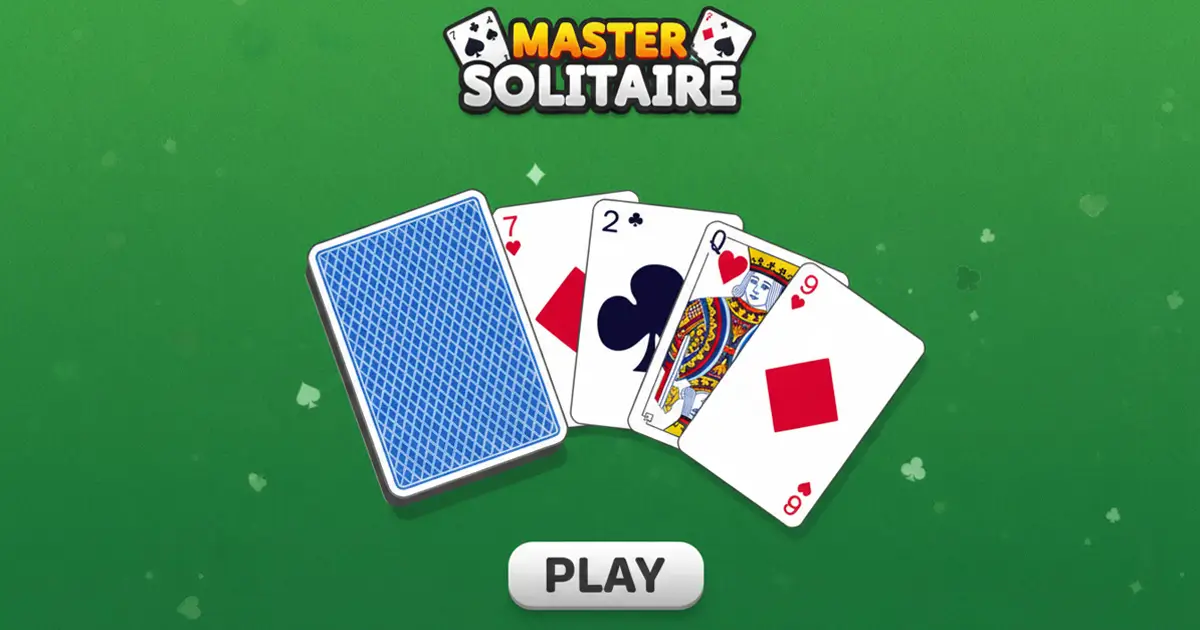
- Classic Klondike rules with Turn 1 and Turn 3 draw modes
- Standard 52-card deck, seven tableau columns, four foundations
- Undo, hints, and timed runs to track your best games
- Plays great on desktop, tablet, and phone screens
What Is Solitaire?
Solitaire is a single-player card game where your mission is to move every card into four foundation piles, sorted by suit and stacked from Ace up to King. The version most people mean when they say “Solitaire” is Klondike, originally called Patience because, well, you need some. It’s been played with paper cards since the 1800s and exploded in popularity once Windows added a digital version in the 90s.
Playing Solitaire in a browser feels instant – the cards snap into place when you drag them, and a quick double-click usually sends a card straight to the foundation when it fits. Load times are short because there’s no heavy 3D engine, just clean card art. That makes it a great pick when you’ve got five spare minutes between homework and dinner.
Solitaire Gameplay
The board has four key zones. The tableau is the main play area with seven columns – column 1 has 1 card, column 2 has 2, all the way up to column 7. Only the top card of each column starts face-up; the rest hide until you uncover them.
The remaining 24 cards form the stockpile in the upper left. When you run out of moves, you flip cards from the stock to the waste pile and try to keep the chain going. The four foundation slots in the upper right are where you stack each suit from Ace to King. Win the game by filling all four foundations.
Solitaire Rules You Need to Know
The rules are simple once you see them in action. In the tableau, cards stack in descending order with alternating colors – so a red 6 goes on a black 7, and a black 5 goes on that red 6. You can move single cards or whole sequenced groups together if they follow the rule.
Empty columns are special: only a King (or a sequence starting with a King) can move into one. Foundations build the opposite way – same suit, ascending from Ace to King. If you get stuck, flip the next card from the stock to the waste pile and check your options again.
Once the stockpile is empty, you can flip the waste pile back over to use as a fresh stockpile. Different versions set different limits on this. Turn 1 games often allow only 1 pass through the deck, Turn 3 games usually give you 3 passes, and casual modes let you recycle unlimited times. Check your settings before you start so you know how many shots you’ve got.
Moving Cards Back from the Foundation
Here’s a sneaky rule lots of players forget: you can pull a card off the foundation and drop it back onto the tableau if it helps. For example, if you sent a red 6 up too early but now need it to receive a black 5, grab it back. Most browser versions let you drag the foundation card straight to a tableau column. This rescue move can save a game that looks stuck, so always check your foundations before giving up.
Turn 1 vs Turn 3 in Solitaire
Most Solitaire games let you pick how many cards flip from the stock at once. Turn 1 flips a single card, giving you access to every card in the deck – this is the easier mode and great for beginners. Turn 3 flips three cards, but only the top one is playable, which makes the game way more strategic.
If you want a relaxed evening, stick with Turn 1. If you want a real brain workout, switch to Turn 3 and watch your win rate drop fast.
How Hard Is Solitaire? Win Rates Explained
Solitaire is harder than it looks, and the numbers prove it. In Turn 1 mode, average players win about 33% of their games – so roughly 1 in 3 deals. In Turn 3 mode, that drops to around 11%, or about 1 in 9 games. Pros and careful planners can push those rates higher, but luck always plays a part. If you’re losing more than you win at Turn 3, don’t worry – that’s totally normal!
Solvability: Luck vs Skill in Solitaire
Here’s something many players don’t realize: not every Solitaire deal is actually winnable. Studies suggest that with perfect play, only about 80% of Turn 1 Klondike deals can be solved – the other 20% are dead from the moment the cards land. Compare that to FreeCell, where roughly 99% of deals are winnable, and you see why Klondike feels tougher. So if you hit a streak of losses, it’s not always your fault. Sometimes the deck just dealt you an impossible board, and starting a fresh game is the smart move. Skill helps a lot, but a little luck never hurts either.
Solitaire Graphics and Feel
Browser Solitaire keeps things clean. Cards are crisp and easy to read at any screen size, with classic suit colors so you don’t mix up clubs and spades. Most versions add a soft green felt background that mimics a real card table.
Animations are smooth without being distracting. When you complete a foundation or win a game, you usually get a satisfying card cascade – that little reward keeps you tapping “new game” again and again.
How to Play Solitaire
Getting started is quick. Open the game in your browser, pick Turn 1 or Turn 3, and the deck deals itself across the seven tableau columns. Scan the board, look for any Aces showing, and send them to the foundations right away.
From there, focus on uncovering face-down cards by moving sequences around. When you run dry, flip the stockpile and use the waste-pile card to keep the chain alive.
Solitaire Controls
On desktop, you click and drag cards between piles, or double-click to auto-send a card to the foundation. Many online Solitaire games also support handy keyboard shortcuts – arrow keys to navigate, space to pick up or place a card, Z to undo, H for a hint, and F to flip the stockpile. On mobile, just tap a card to select it and tap the destination, or drag it across with your finger.
Plays Anywhere: Chromebooks, Old Laptops, and Keyboard-Only
One of Solitaire’s biggest strengths is how light it runs. The HTML5 build works smoothly on Chromebooks, school-locked devices, and older laptops with just 2GB of RAM. There’s no big download or fancy graphics card needed. If you don’t have a mouse handy, keyboard shortcuts let you play the whole game with arrow keys, space, Z, and H. That also makes it friendlier for players with motor limitations who find dragging tricky. Whether you’re on a hand-me-down PC or a locked-down library computer, Solitaire just works.
Tips and Tricks for Solitaire
- Play Aces and 2s the moment you see them – they belong on the foundations and only get in the way in the tableau.
- Always work the tableau before flipping the stockpile, since uncovering hidden cards opens way more moves.
- Target the longest columns first – they hide the most face-down cards, and you need those revealed to finish the game.
- Don’t rush every card to the foundation. Holding back a 4 or 5 can help you build a longer sequence later.
- Save empty columns for Kings only. Filling one with a random sequence wastes the slot and can block you completely.
- Build your foundations evenly across all four suits. If one suit races to 8 while another is stuck at 3, you lose key low cards that the tableau still needs to receive higher cards.
Common Beginner Mistakes to Avoid
Knowing what NOT to do is just as helpful as knowing the tips. Watch out for these classic blunders:
- Emptying a column when you don’t have a King ready to fill it – that slot is useless until a King shows up.
- Sending a 2 to the foundation too fast when you still need it on the tableau to catch a 3 from another suit.
- Ignoring the waste-pile card before flipping again – that face-up card is often your best move.
- Drawing from the stock before exhausting all tableau moves, which wastes your passes through the deck.
- Auto-clicking every card up to the foundation without checking if you’ll need it back later.
Key Features of Solitaire
- Choice of Turn 1 (easy) or Turn 3 (harder, classic) draw modes
- Move counter and timer so you can chase personal bests
- Undo button to reverse a bad move without restarting
- Hint system that highlights moves you might have missed
- Auto-complete that finishes the game for you once every card is face-up and no stockpile cards remain – just click the auto-complete button and watch the cards fly home in seconds
Where to Play Solitaire
The fastest way to enjoy Solitaire is right in your browser – it loads in seconds, runs on Chrome, Firefox, Safari, and Edge, and works on Chromebooks too. Because the game is built with HTML5, it plays well on iPads, Android tablets, and phones without any extra setup.
Want it on your phone? Grab the official mobile apps here:
Stick to official app stores – random APK downloads can carry malware, and you don’t need them when the browser version is free.
For Parents
Solitaire is one of the most kid-safe card games out there. There’s no chat, no multiplayer lobby, no violence, and no scary content – just cards on a table. It’s a great low-pressure way for kids 8 and up to practice patience, planning ahead, and basic number sequencing.
The browser version has no in-app purchases since it’s hosted free, and short rounds (usually 3-10 minutes) make it easy to set healthy time limits. It pairs nicely with a homework break.
Similar Games to Solitaire
If Klondike has you hooked, these other card classics are worth a shuffle:
- Spider Solitaire – uses two decks and ten columns for a longer, deeper challenge.
- FreeCell – nearly every deal is winnable if you plan carefully, thanks to four free cells.
- Pyramid Solitaire – clear a pyramid of cards by pairing them to a total of 13.
- Yukon Solitaire – like Klondike but with no stockpile and more freedom to move groups.
- TriPeaks Solitaire – chain cards one rank up or down across three card peaks.
- Klondike Solitaire – the dedicated Turn 3 version with stricter rules and tougher deals for serious card fans.
- Triple Solitaire – three decks, twelve foundations, and a massive board for the ultimate Solitaire challenge.
Browse more options on our Card Games page.
FAQs About Solitaire
How do you play Solitaire?
You move all 52 cards into four foundation piles by suit, Ace to King. Build descending alternating-color sequences in the tableau to uncover hidden cards, then send Aces and 2s up to start the foundations. Flip the stockpile when you’re stuck.
How do you set up Solitaire?
Deal seven columns: 1 card in column 1, 2 in column 2, up to 7 in column 7. Only the top card of each column is face up. Place the remaining 24 cards face-down as the stockpile, and leave the four foundations empty.
How many rows are in Solitaire?
Classic Solitaire has seven tableau columns, not rows. The columns hold 1, 2, 3, 4, 5, 6, and 7 cards from left to right – 28 cards total in the tableau.
Is Solitaire free to play online?
Yes, Solitaire is completely free to play in your browser. There’s no download, no signup, and no in-app purchases on the web version – just open the page and deal a new hand.
What’s the difference between Turn 1 and Turn 3?
Turn 1 flips one card from the stockpile at a time, while Turn 3 flips three. Turn 1 is easier because every card is reachable. Turn 3 is the classic, tougher version since only the top of the three is playable.
Is Klondike the same as Solitaire?
Yes, Klondike is the official name for classic Solitaire. When most people say “Solitaire,” they mean Klondike. The game is also called Patience in the UK and parts of Europe.
Can I undo moves in online Solitaire?
Yes, most browser versions of Solitaire let you undo moves. Look for the undo button or press Z on the keyboard to reverse your last action and try a different play.
Is Solitaire good for your brain?
Yes, playing Solitaire helps with focus, memory, and planning skills. Each deal is a logic puzzle that asks you to think a few moves ahead, which is great mental exercise for kids and adults alike.
Ready to Deal?
Solitaire keeps winning fans because it nails the basics – clean rules, quick rounds, and a satisfying click when that last King lands on the foundation. With Turn 1 and Turn 3 modes, undo support, and crisp browser performance, there’s a reason this card classic has lasted over a century. Shuffle up, deal the seven columns, and see if you can clear the deck before the timer ticks too high.
Gameplay Video


